
Webinar and seminar certificates
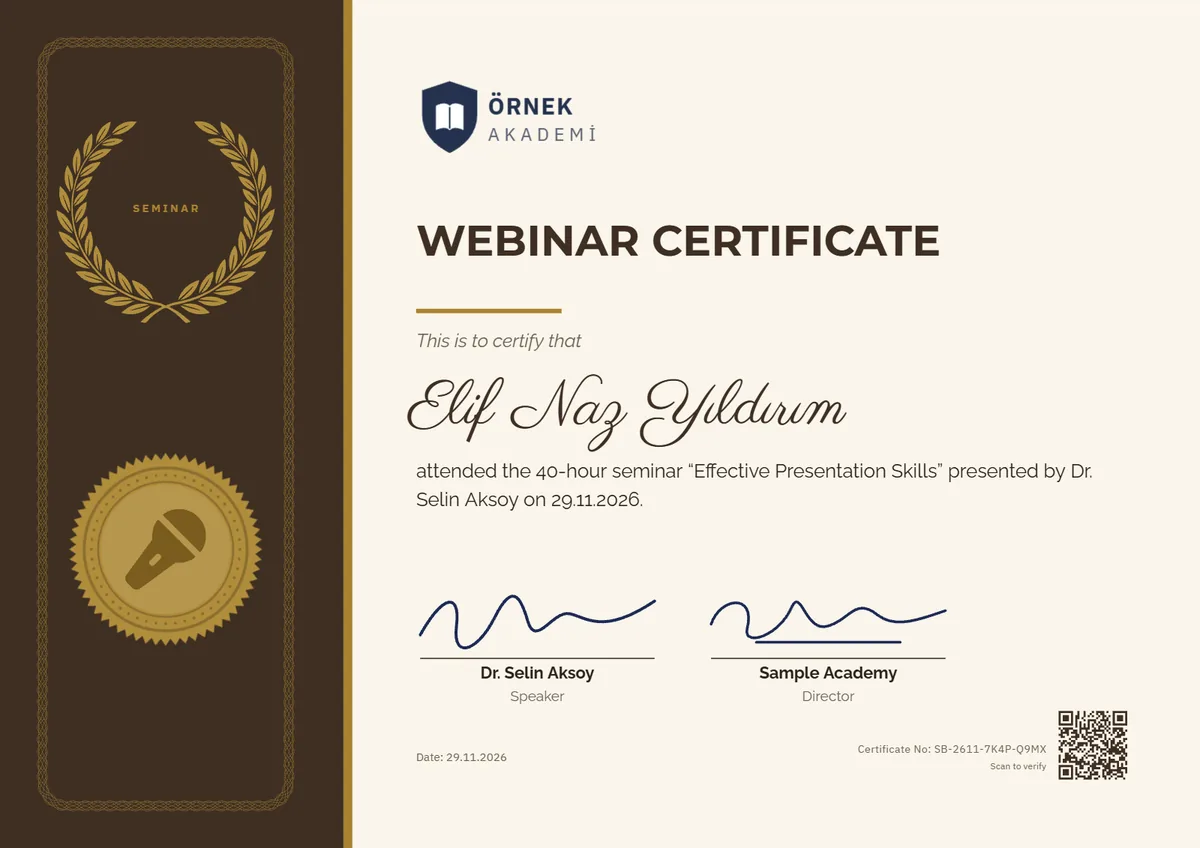
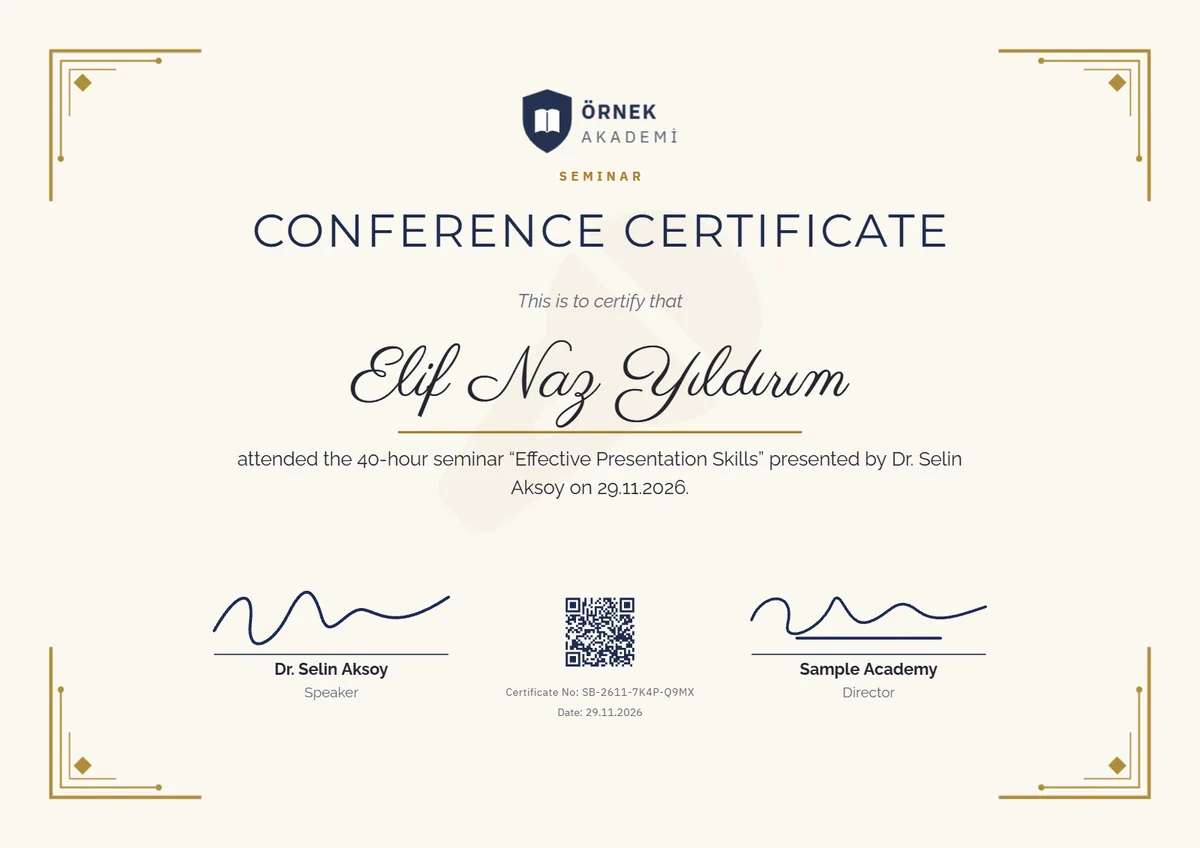
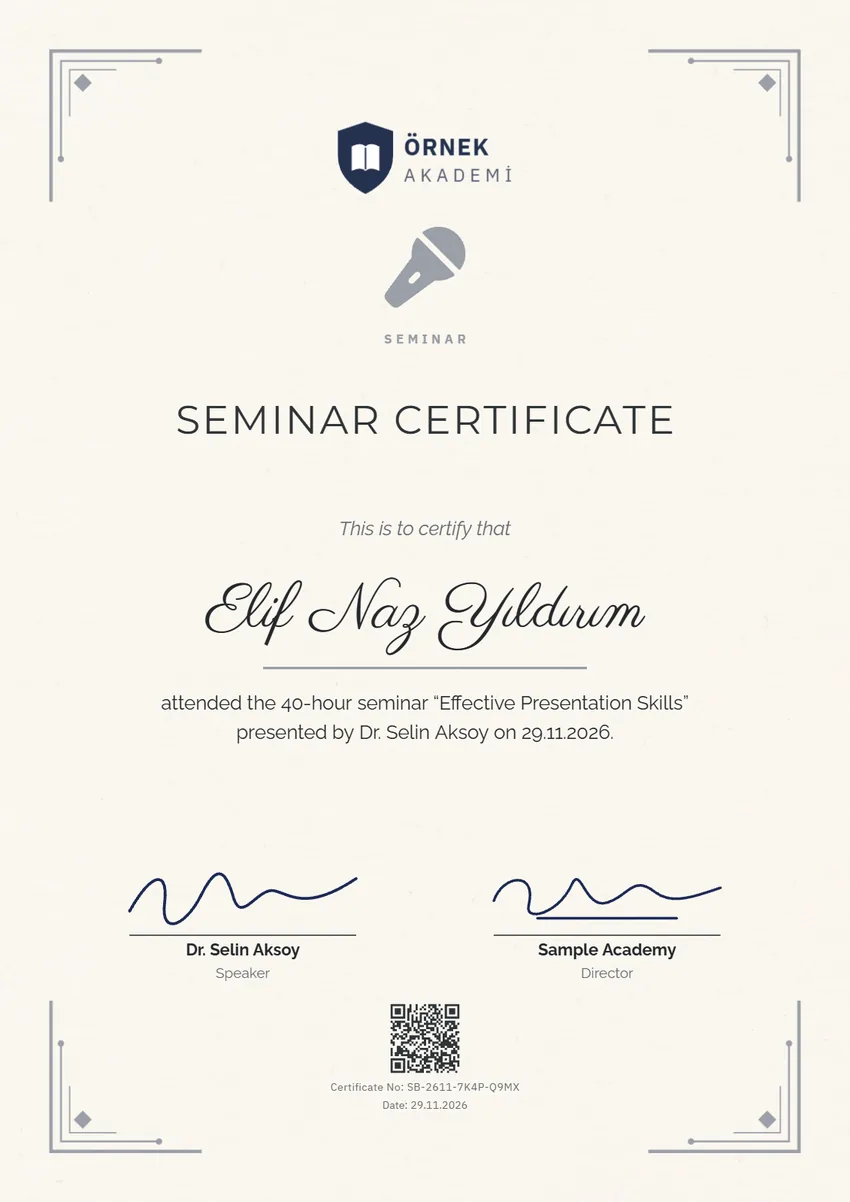
Drop a sign-up link in the webinar chat and have attendees' certificates ready as QR-verified PDFs. Works for in-person seminars too.
The webinar ends, everyone leaves the call, and the next morning your inbox fills with "when do we get our certificates?" With Sertifikabu, the answer is: as soon as you approve the list.
Collect a clean attendee list
Video-call attendee lists are full of nicknames and missing surnames. Instead:
- Create the webinar as a program.
- Paste its sign-up link in the chat before you wrap up.
- Attendees type their names, see a preview of the certificate and confirm.
- You approve, and certificates are numbered and issued.
Close the form at a set time, cap the number of sign-ups, or require approval for every entry.
In-person seminars
Put the QR poster at the entrance. People register on their phones as they walk in.
Digital first
Webinar certificates are usually shared as digital certificates: attendees download a PDF from their verification link. Because of the QR code, even a printout can be checked. Need signed paper copies for an in-person event? Order prints of the same design.
Show the CPD hours
Many attendees track continuing professional development. The {sure_saat} field prints the session length in hours straight from your program details.
Frequently asked questions
What if someone who didn't attend fills in the form?
Turn on approval and check sign-ups against your attendance report before issuing.
Can one person register twice?
No. A second sign-up with the same email or phone for the same program is blocked.
One certificate for a webinar series?
Yes. Set the series up as one program with the total hours.
Related templates
See all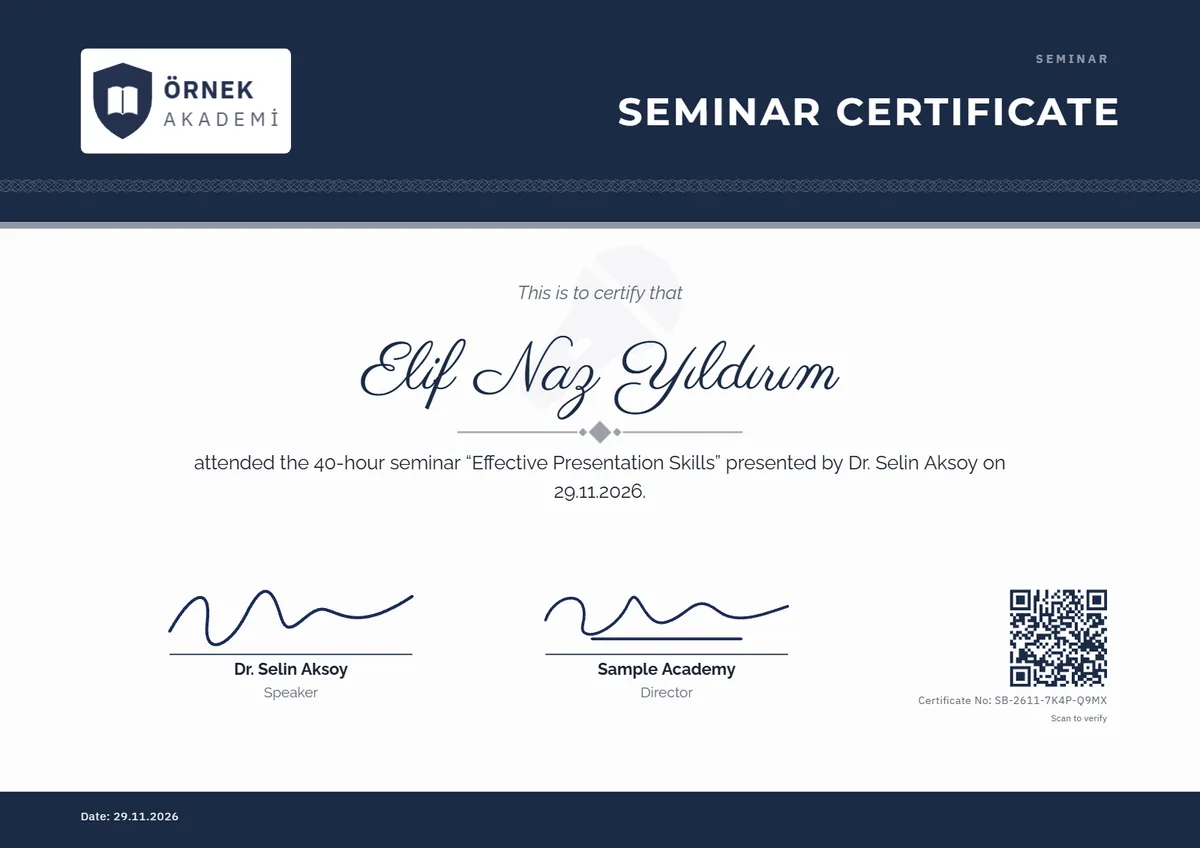
Design your first certificate today.
Open the editor without signing up; when you save, your design moves to your institution account.