
With or without names
Each participant’s name and QR code are printed, or the name field is left blank for bulk printing and you write the names. Nameless sheets still carry a unique code and QR code.
Share your course link; participants type their name and confirm how it will appear on the certificate. You get PDFs in one click — or have us print them in A4 or A5.
Your institution’s name appears in all your links, so students know who they are sharing data with.
sertifikabu.com/k/your-institutionStart from a template or place your logo, signature and seal in the editor. A4 or A5.
Put a QR poster up in class or send it on WhatsApp. Participants type their name, preview it and confirm.
/k/your-institution/programApprove the list and your QR-coded PDFs are ready. Order printing from the same screen if you like.
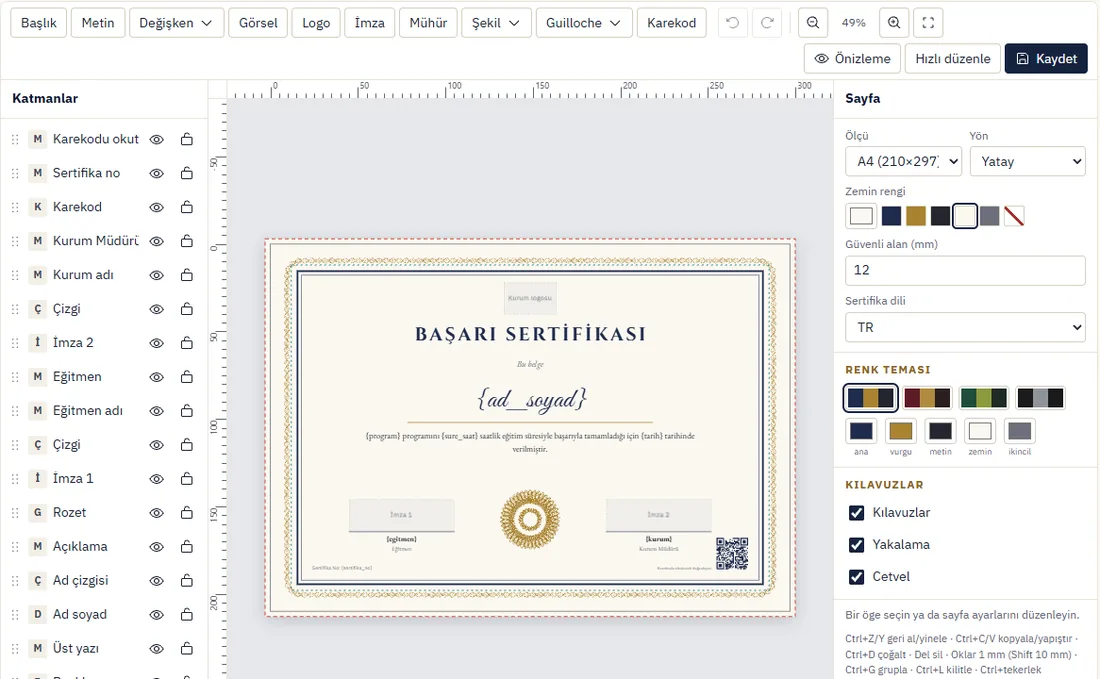
A4 and A5, with or without names. Buy a print package and use your credits whenever you like.
Each participant’s name and QR code are printed, or the name field is left blank for bulk printing and you write the names. Nameless sheets still carry a unique code and QR code.
Credits are added to your account and deducted with each order. Foil printing requires at least 1,000 copies.
Make your certificate stand out against copies. Numbered or QR-coded holograms match the certificate number.
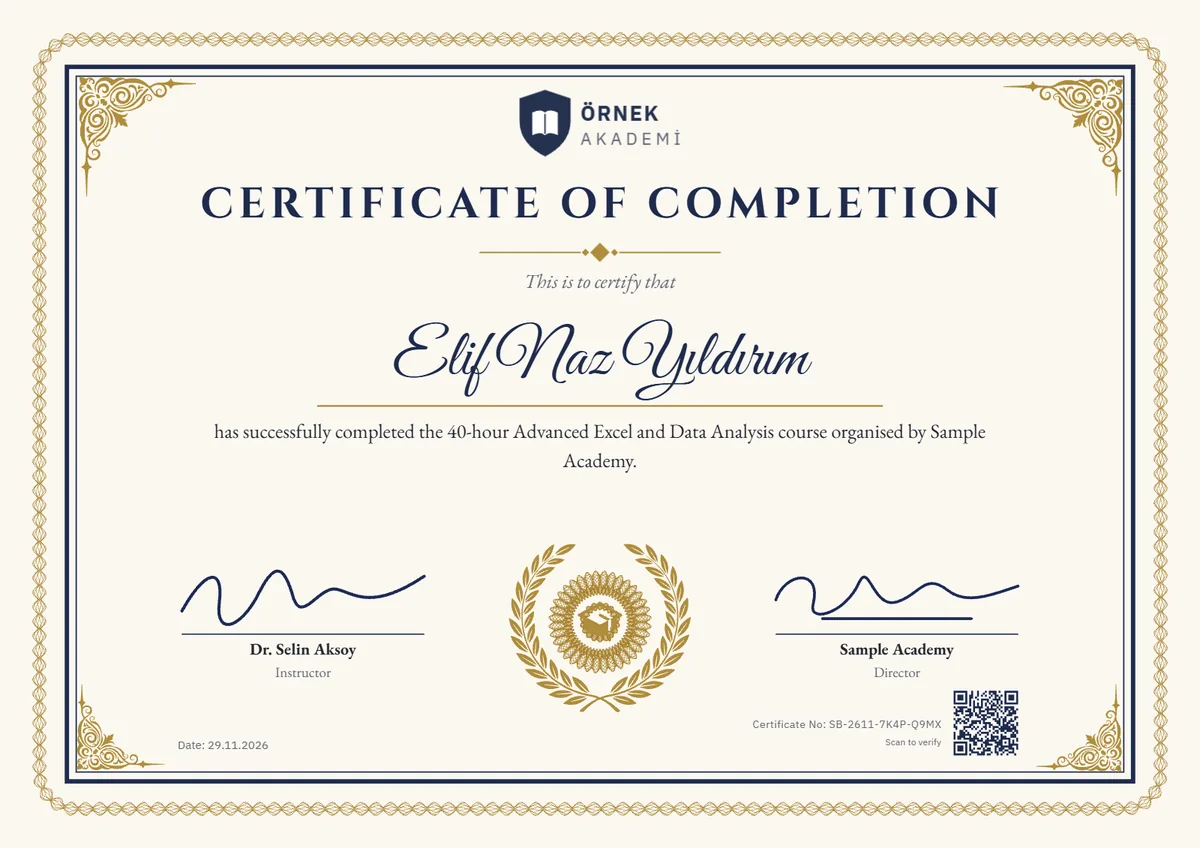 Training / Course Completion — Classic Guilloche
Course completion · A4 landscape
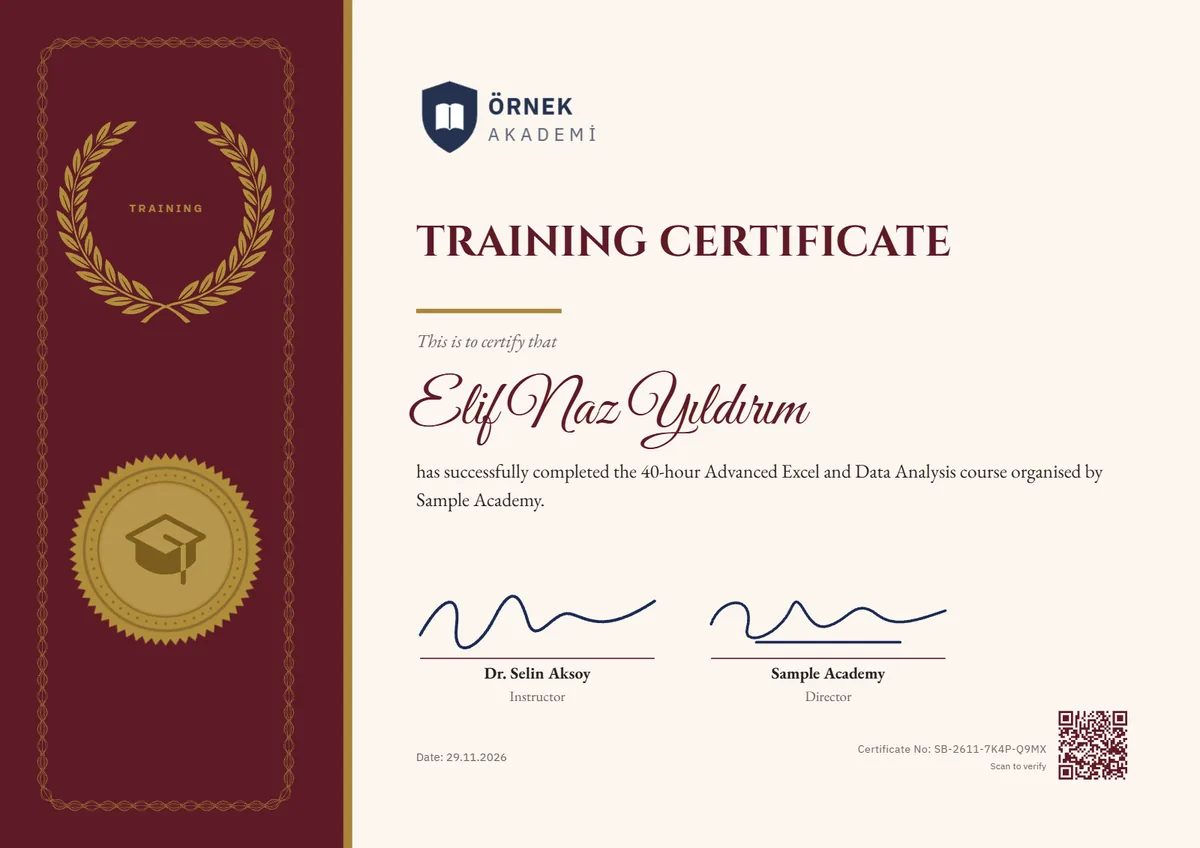 Training / Course Completion — Side Band
Course completion · A4 landscape
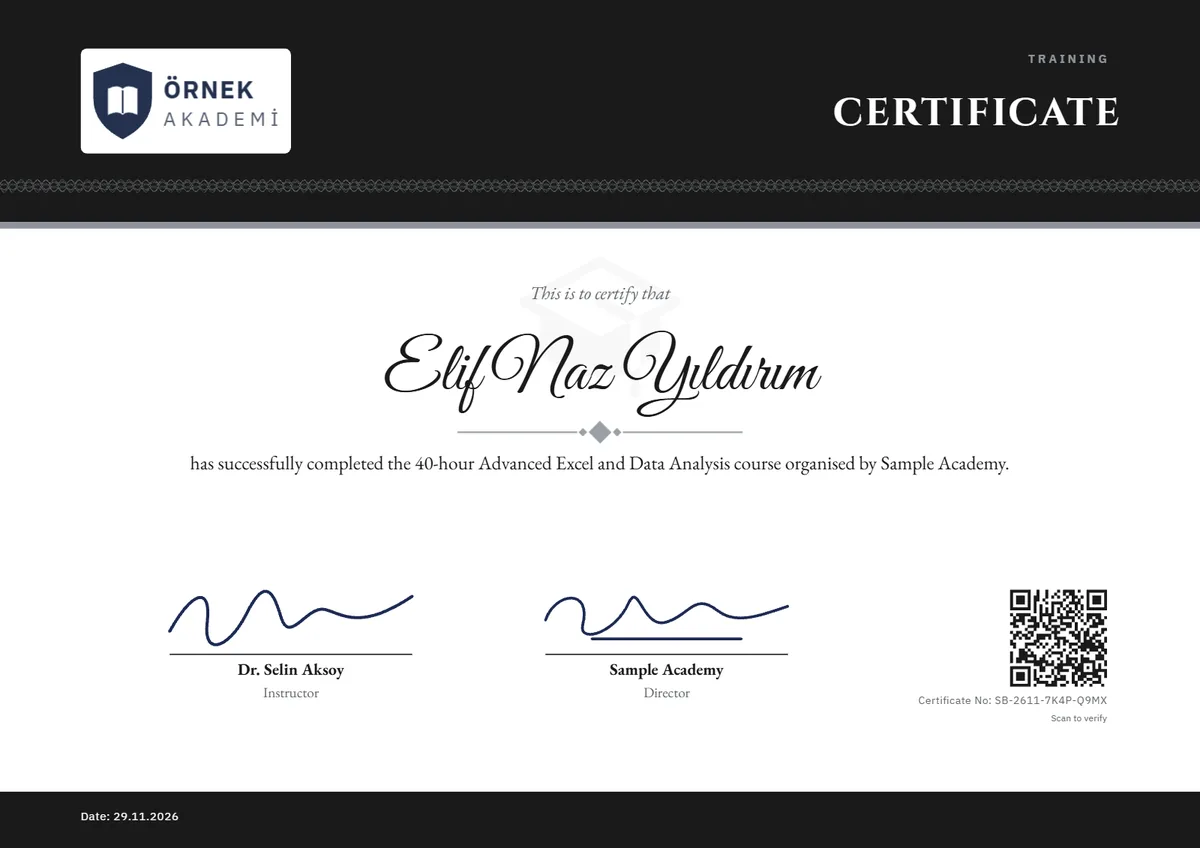 Training / Course Completion — Corporate Band
Course completion · A4 landscape
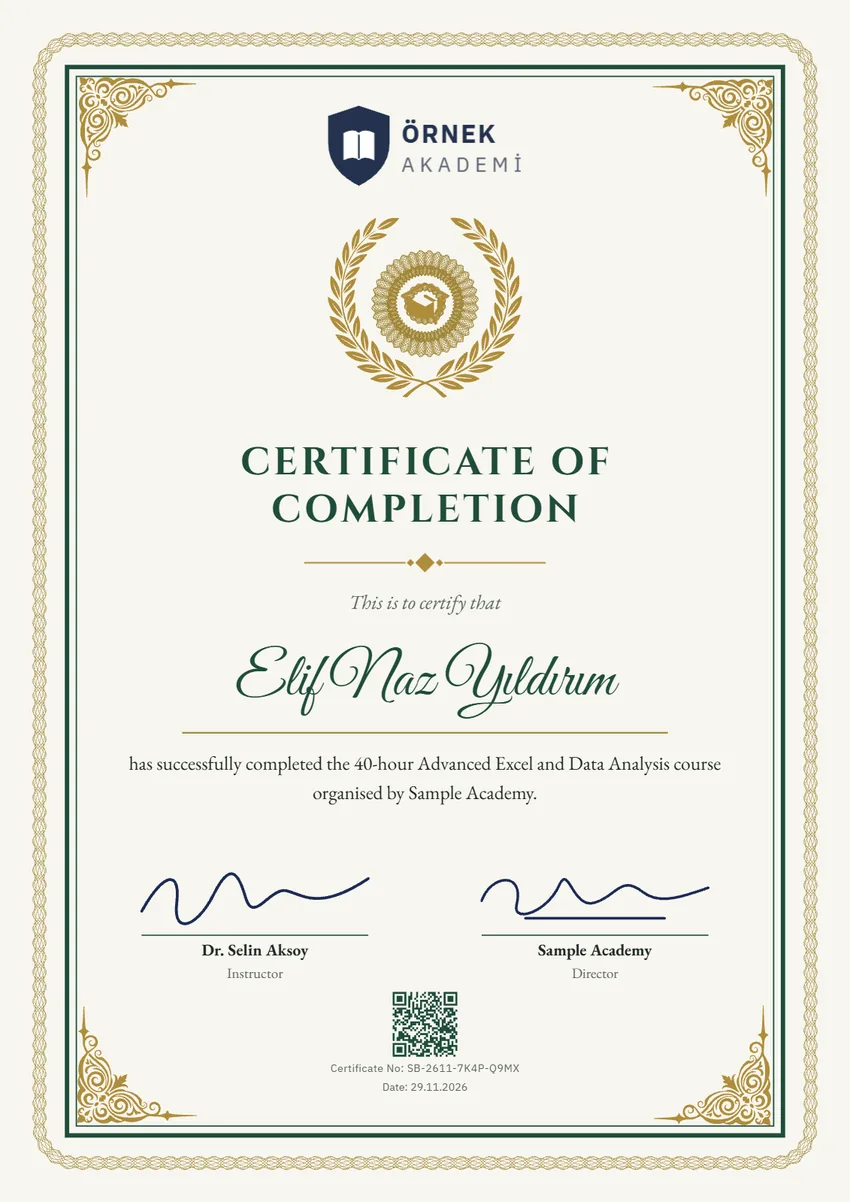 Training / Course Completion — Classic Portrait
Course completion · A4 portrait
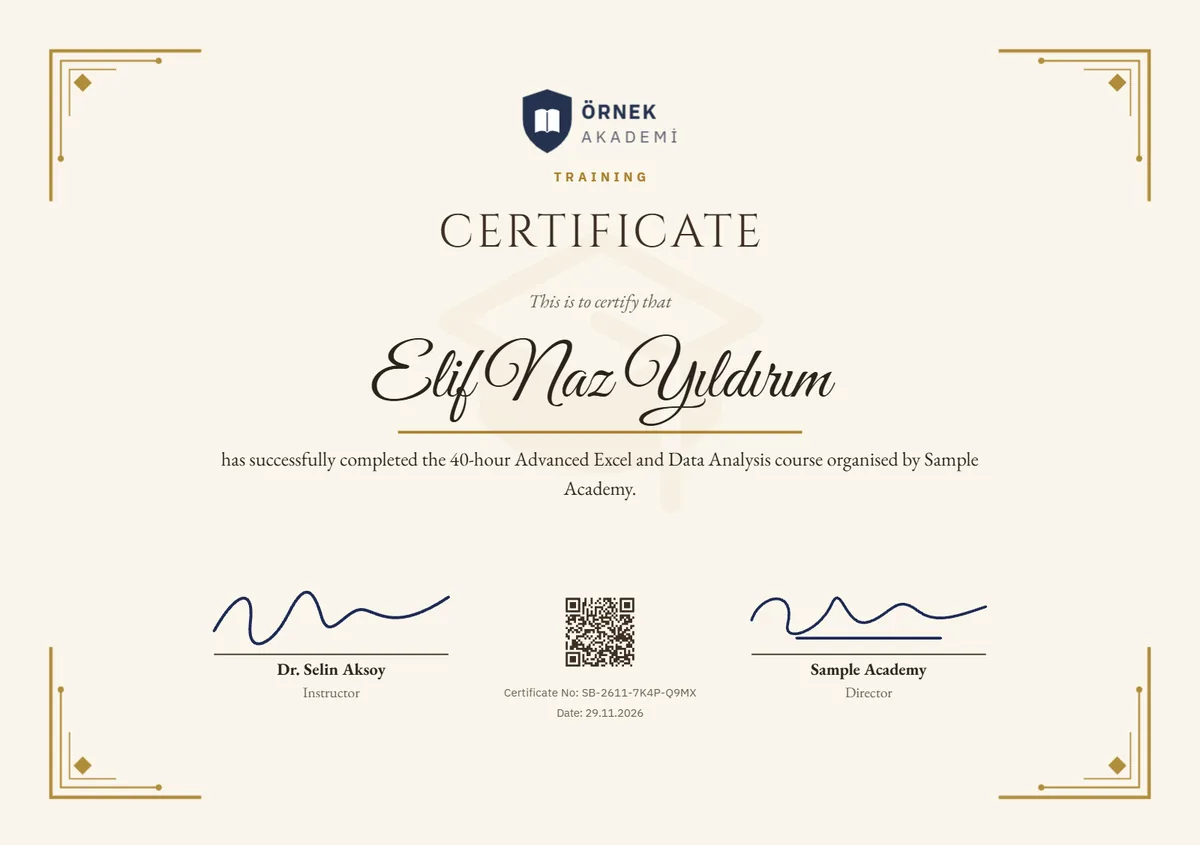 Training / Course Completion — Compact Elegant
Course completion · A5 landscape
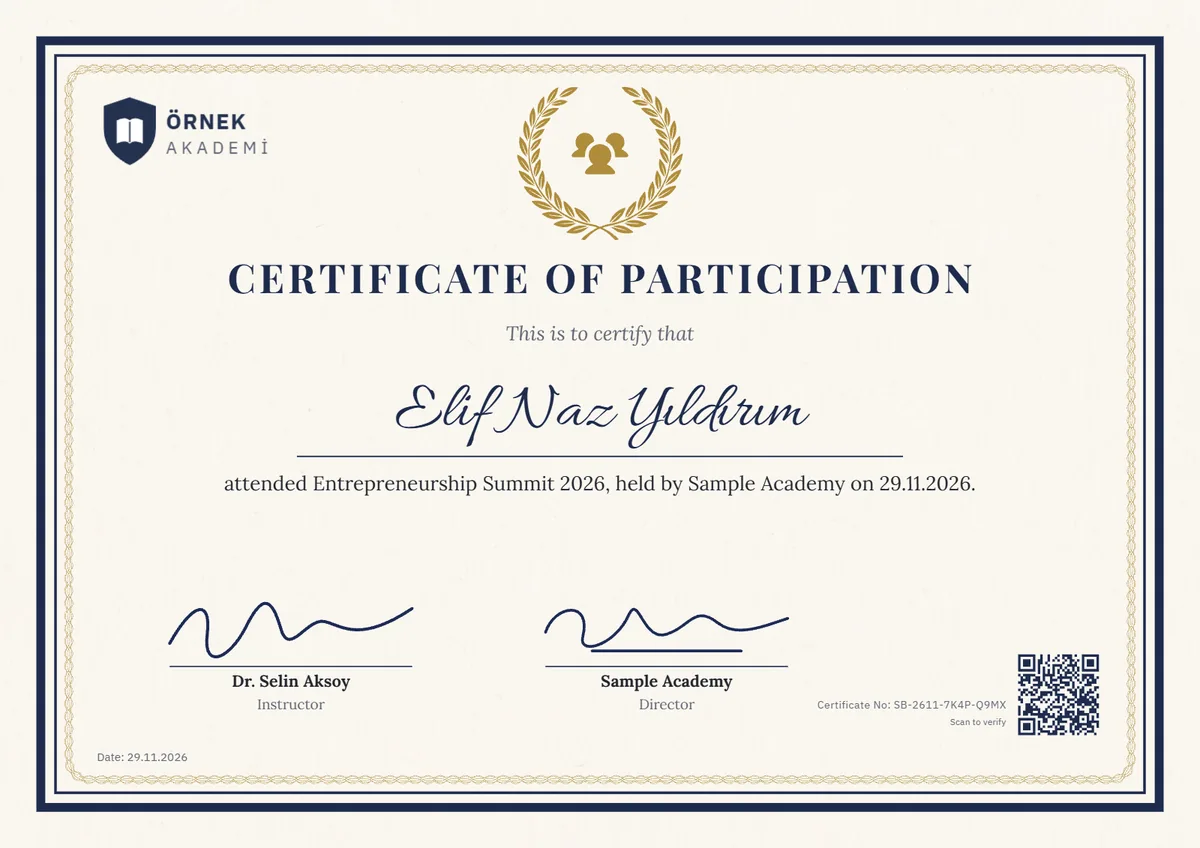 Participation — Academic
Certificate of attendance · A4 landscape
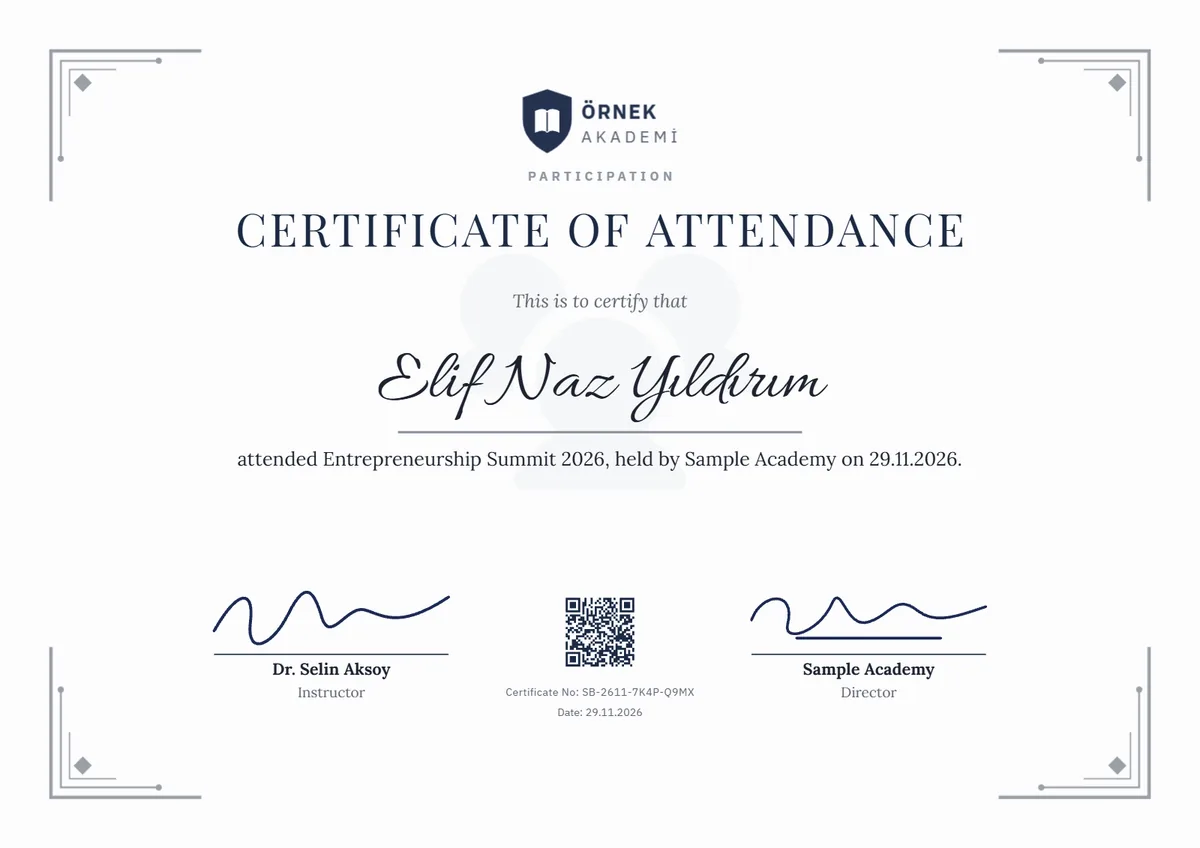 Participation — Minimal Corners
Certificate of attendance · A4 landscape
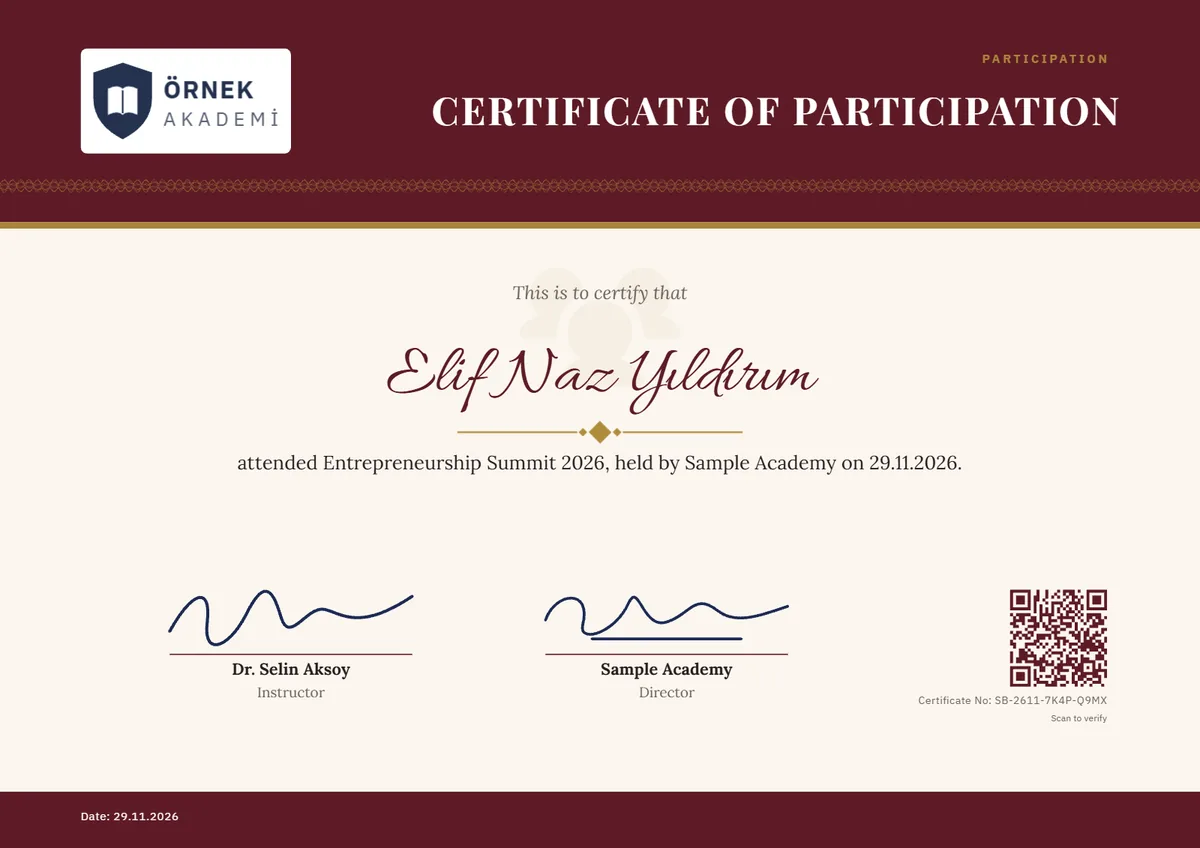 Participation — Event Band
Certificate of attendance · A4 landscape
Yes. On the free plan you can issue 50 certificates a month and download QR-coded PDFs for free. Pro and Institution plans add more volume and team features.
No. You share a form link for the program; each participant types their own name and confirms how it will look on the certificate. You can also bulk-import from Excel/CSV.
Every certificate carries a unique code and QR code. Anyone who scans it or enters the code at sertifikabu.com/dogrula sees whether it is valid, revoked or altered.
Yes. Like every element in the design, the QR code can be moved, resized or removed. Even then, the certificate code stays in the system and can be checked on the verify page.
A4 (210×297 mm) and A5 (148×210 mm), landscape or portrait. The editor and printing offer only these two sizes, so every design is print-ready.
Certificates printed in bulk with the name field left blank; the institution writes the names by hand. Each sheet still has a unique code and QR code, and the verification page shows it was issued by your institution.
Foil stamping can be chosen on orders of at least 1,000 copies.
Each institution’s data is fully isolated. Forms include a privacy notice and explicit consent, and the Turkish ID field is off by default. Verification pages are hidden from search engines, and institutions can partially mask names.
Open the editor without signing up; when you save, your design moves to your institution account.