
QR code certificates
Every certificate gets a unique ID and QR code. Anyone can scan it to see who issued it and whether it's still valid — in seconds, with no app.
Faking a certificate takes minutes these days. What gives a certificate real value is the issuer being able to say "yes, we issued this". A QR code on the certificate does exactly that.
How it works
- Each certificate gets a unique ID like
SB-2611-7K4P-Q9MX. We skip look-alike characters such as 0/O and 1/I. - A QR code pointing to that ID is printed on the certificate.
- Scanning it opens the verification page: your name and logo, the holder, the course, date, hours and signatory.
- At the top, the status: Valid, Revoked or Not found.
No camera? Type the ID into the verification page.
Extra protection against fakes
- Content signature. Certificate details are digitally signed; if the stored record is altered, verification reports a mismatch.
- Revocation with a reason, shown instantly on the verification page.
- Report a fake button on every verification page.
- Hologram labels as a physical second factor on printed certificates.
Won't the QR code ruin my design?
No. It's a regular element in the editor — move it, resize it, recolor it or remove it. It's generated as a vector, so it stays sharp in PDFs and print. Even without a QR code, the certificate ID remains searchable.
Frequently asked questions
Where does the QR code link to?
To a page that carries your organization's name: sertifikabu.com/en/k/your-org/v/CODE.
Do blank (handwritten) certificates get QR codes?
Yes. With blank printing every sheet has its own code.
How long does the QR code work?
As long as you don't revoke the certificate.
Related templates
See all-
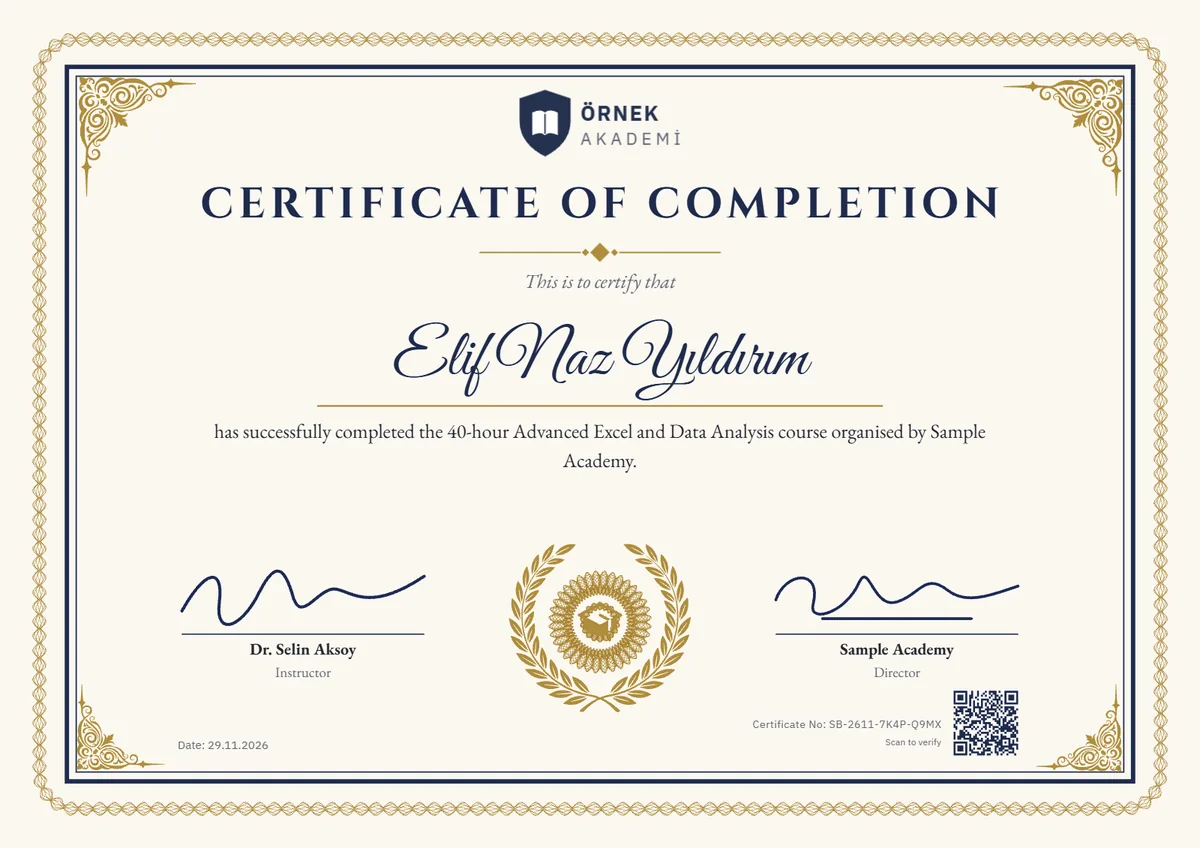 Training / Course Completion — Classic Guilloche
Course completion · A4 landscape
-
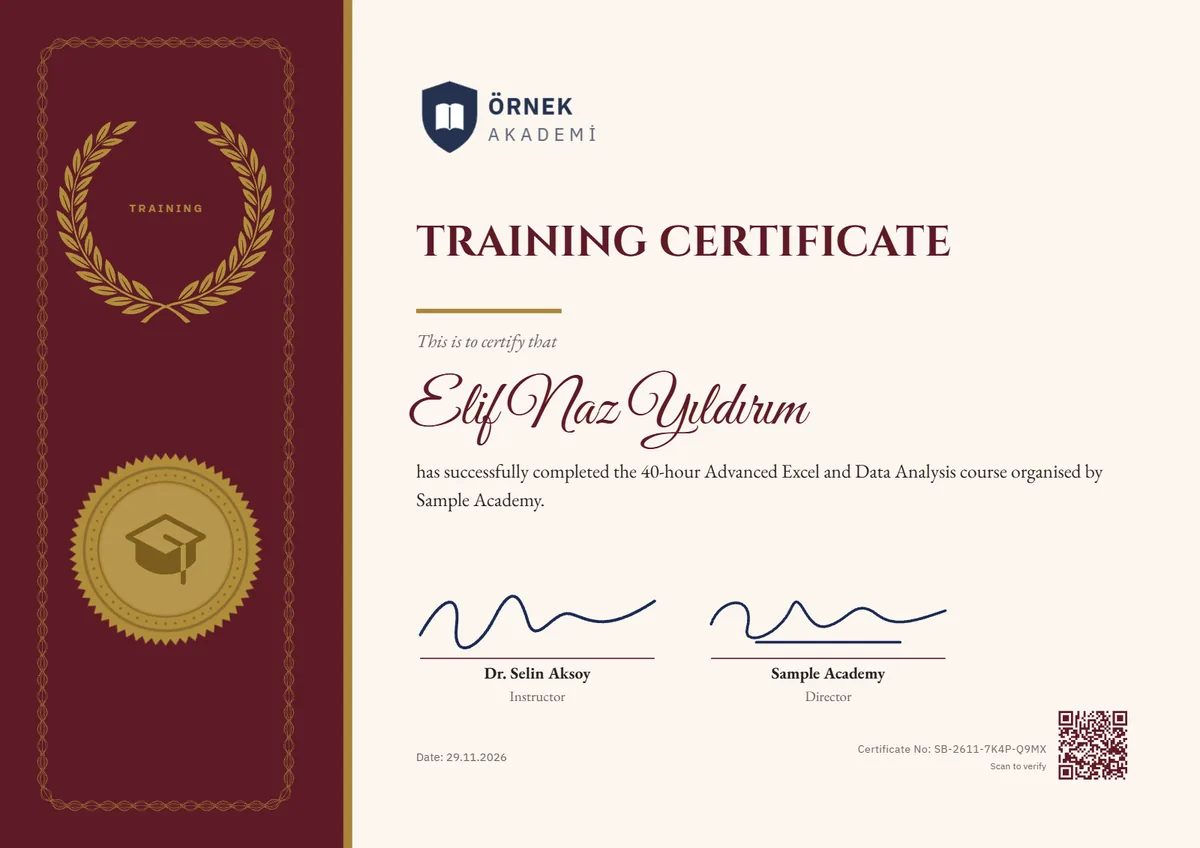 Training / Course Completion — Side Band
Course completion · A4 landscape
-
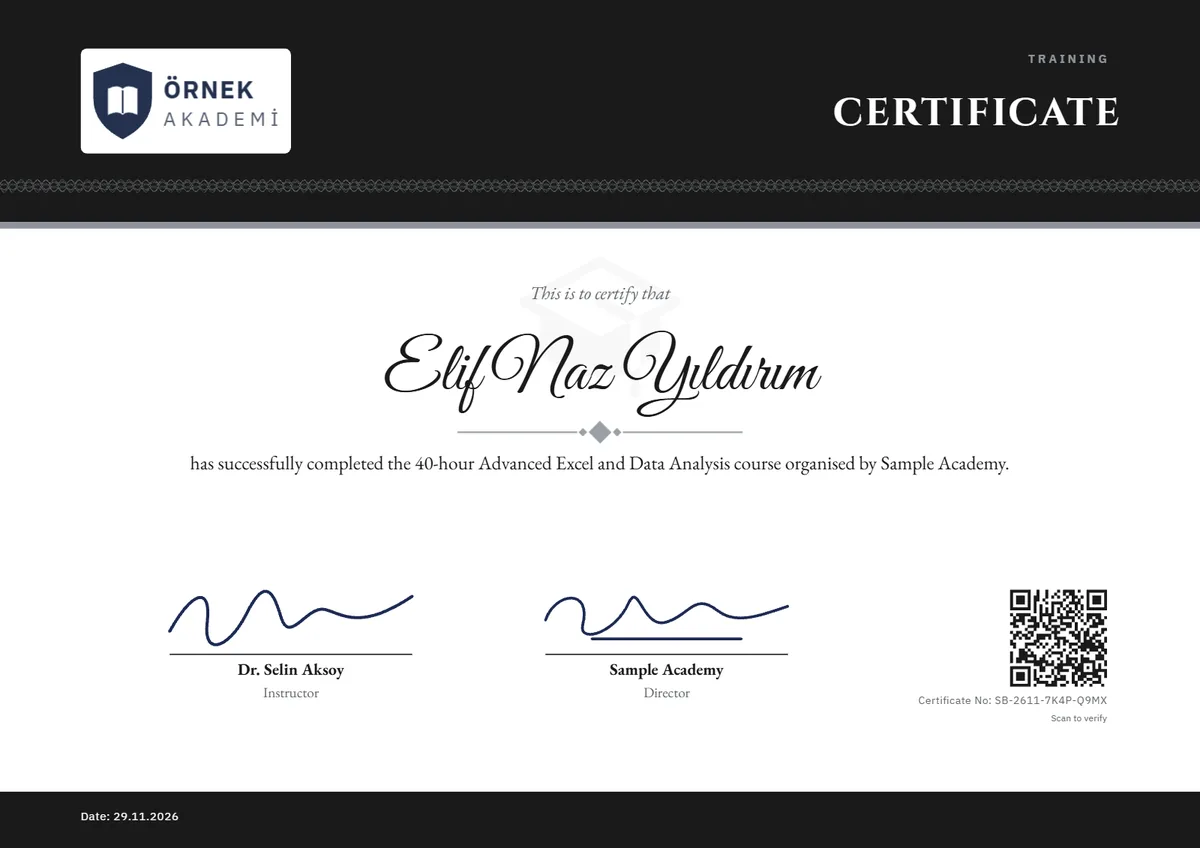 Training / Course Completion — Corporate Band
Course completion · A4 landscape
-
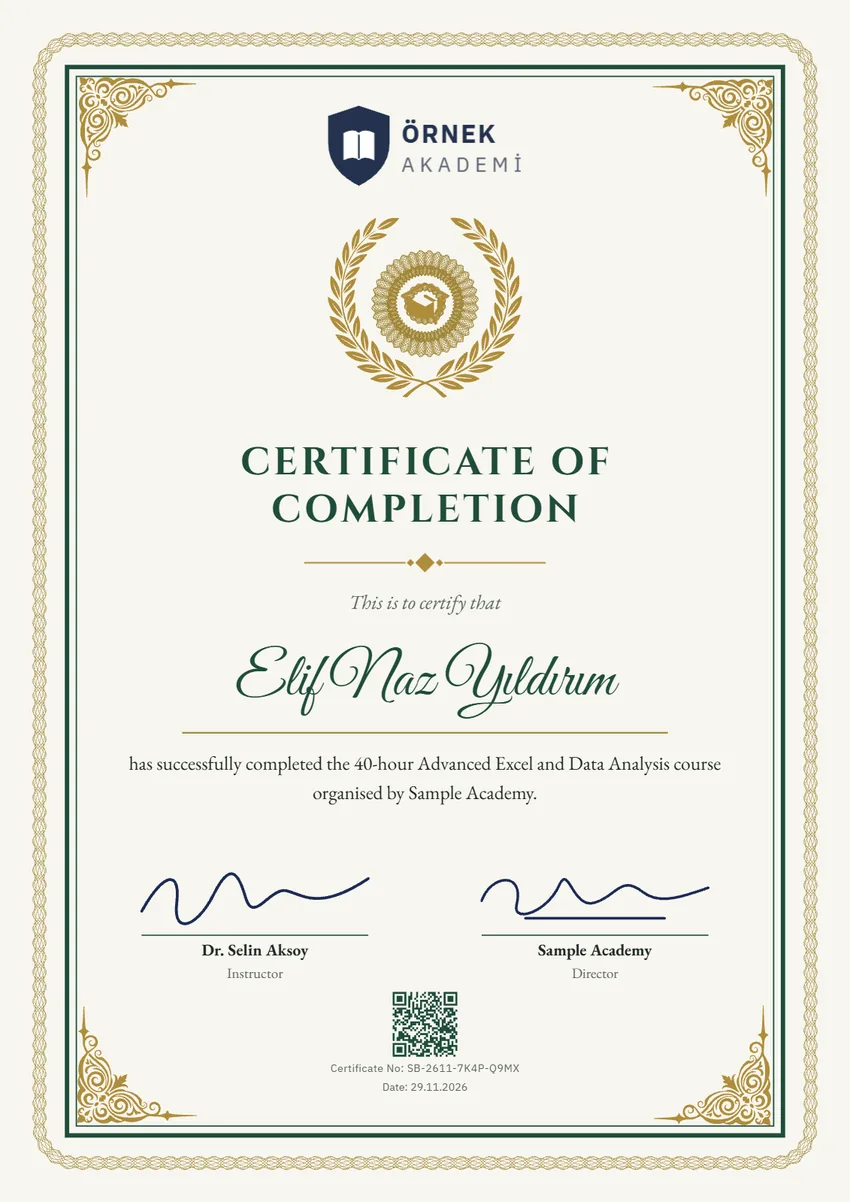 Training / Course Completion — Classic Portrait
Course completion · A4 portrait
Design your first certificate today.
Open the editor without signing up; when you save, your design moves to your institution account.