
Collect attendee details with a sign-up link
Stop typing names for certificates. Share a program sign-up link or QR poster; attendees enter their details and confirm their name on a certificate preview.
Most certificate mistakes happen when someone else types the names: a missing letter, a dropped accent, a forgotten middle name. The fix is simple — let people type their own.
A sign-up form for every program
Each program has its own form at a link carrying your organization's name: sertifikabu.com/en/k/your-org/program-name. Drop it in a group chat, an email or the webinar chat. In a classroom, print the program's QR poster; people scan it with their phones.
What the form asks
You decide:
- Full name (required)
- Email, phone, date of birth
- Custom fields such as school, class, company or job title — text, number, date or dropdown
- National ID — off by default; if enabled, only the last four digits are stored
"This is how your name will appear"
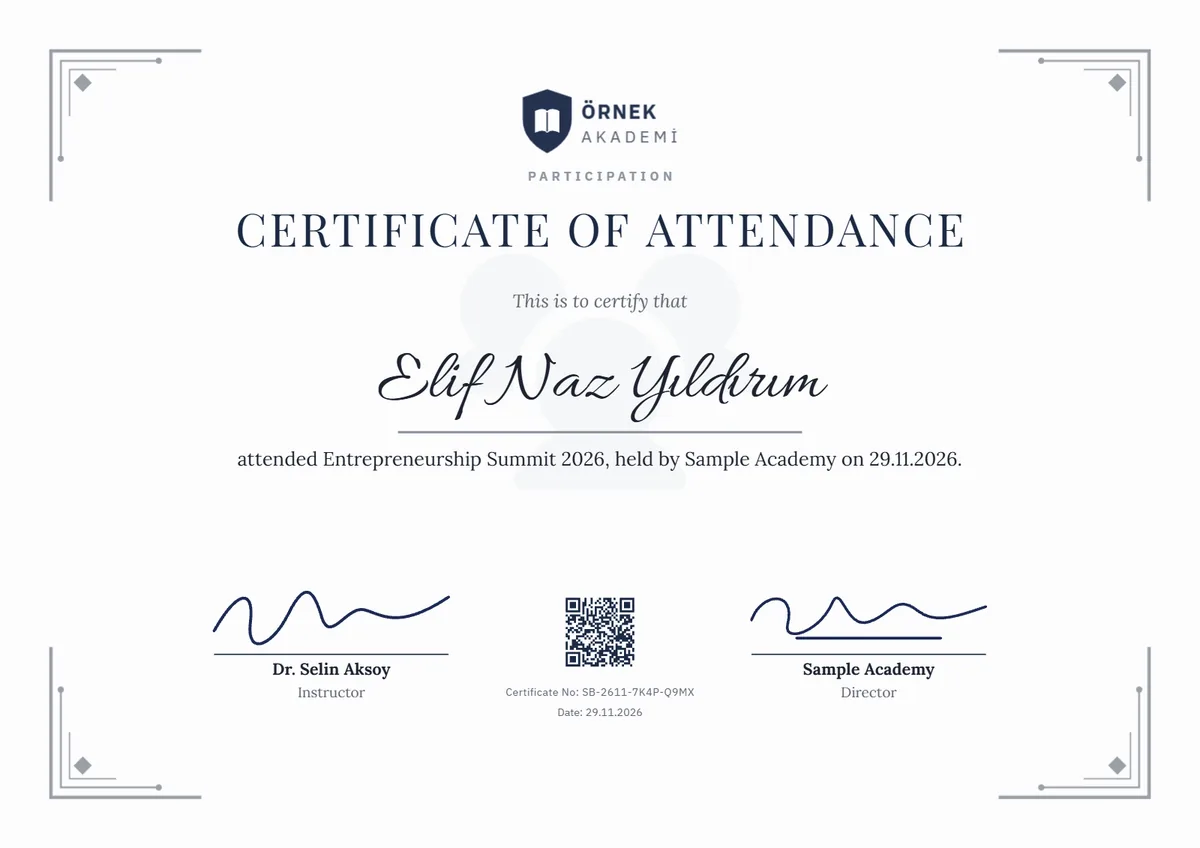
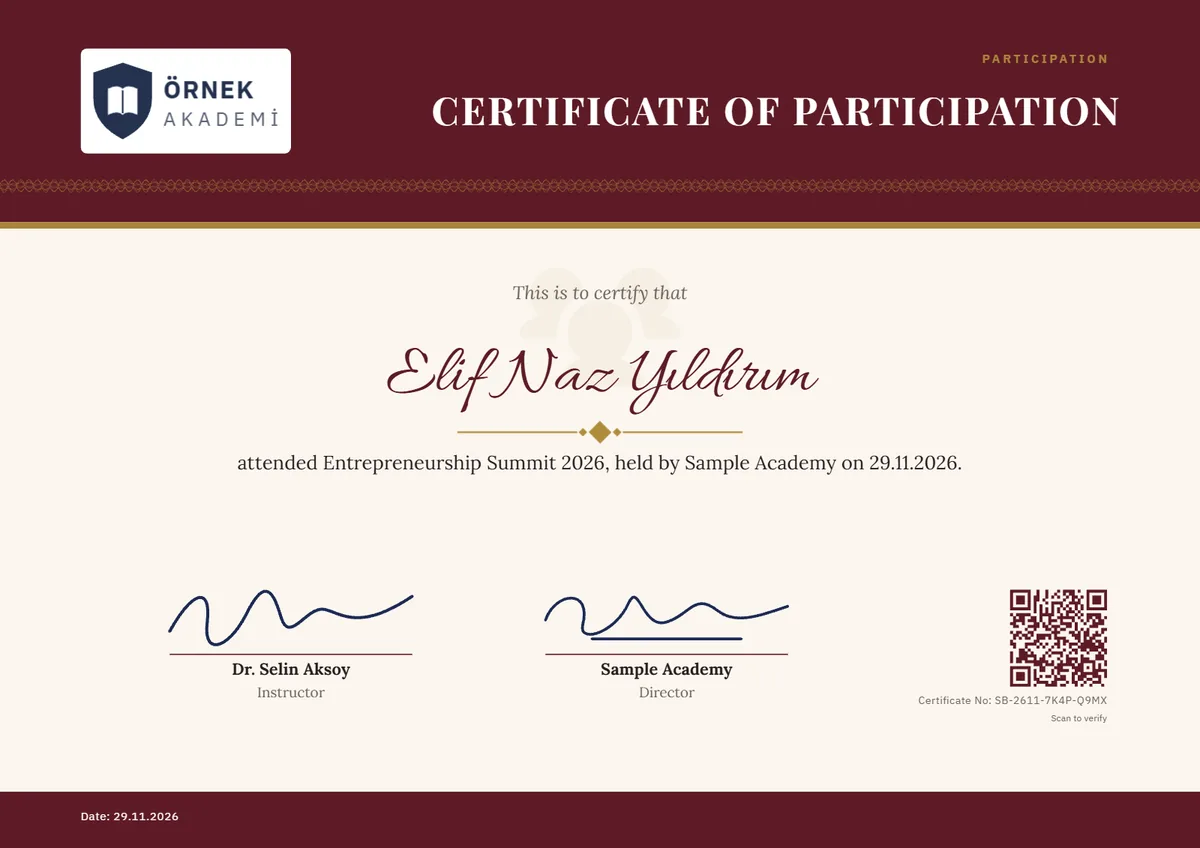
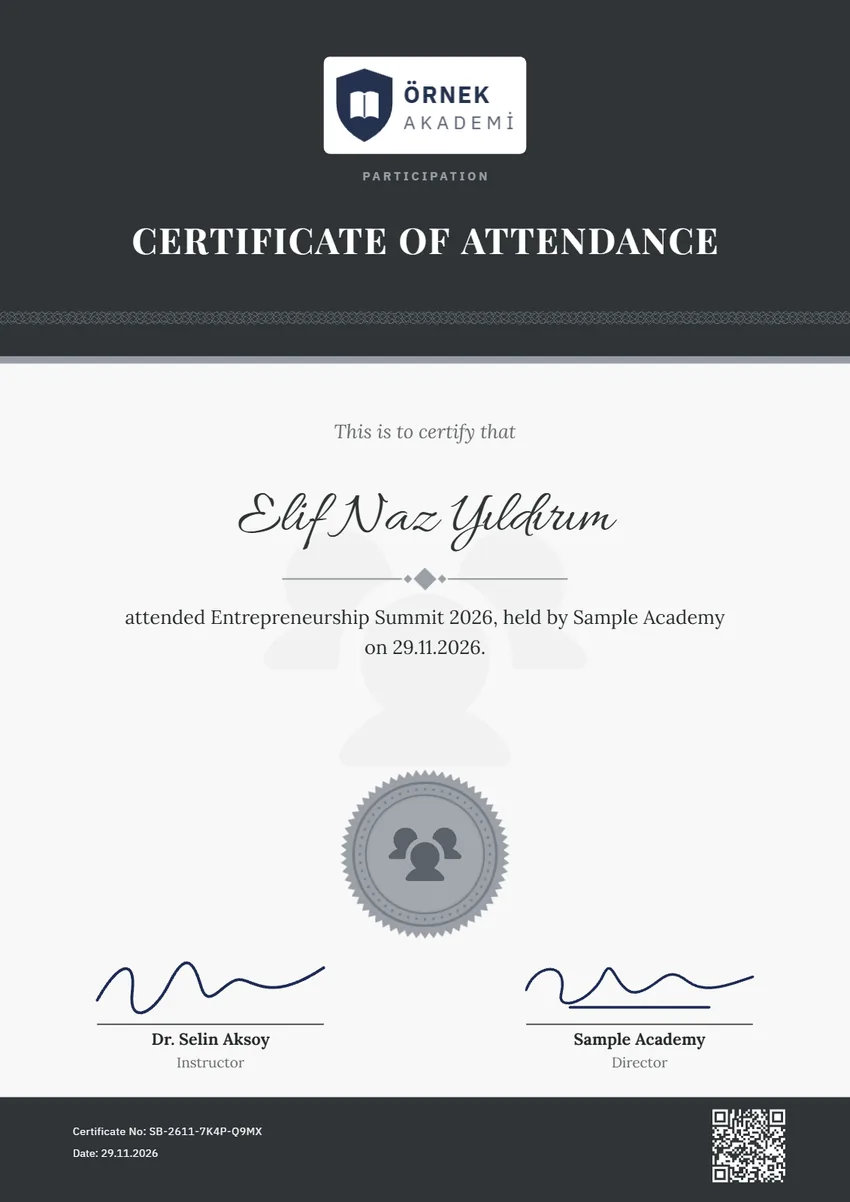
While typing, attendees see a live preview on your certificate design and click Correct to confirm. Long names are fitted to the field.
You stay in control
- Approval — nothing is issued until you approve (optional)
- Capacity and deadline — the form closes automatically
- Duplicate detection — same email or phone can't register twice
- Bot protection — a hidden honeypot field and rate limits that won't lock out a whole class on school Wi-Fi
Privacy
The form shows your privacy notice and requires consent; the version and time of consent are recorded. See our privacy notice.
Frequently asked questions
Can attendees edit their name later?
They submit once; you can correct it in the dashboard. After issuing, a correction revokes the old ID and links a new certificate.
Is the link public?
Anyone with the link can open it, so use capacity, deadline and approval. Form pages aren't indexed by search engines.
I already have a list.
Upload Excel or CSV — or combine both.
Related templates
See all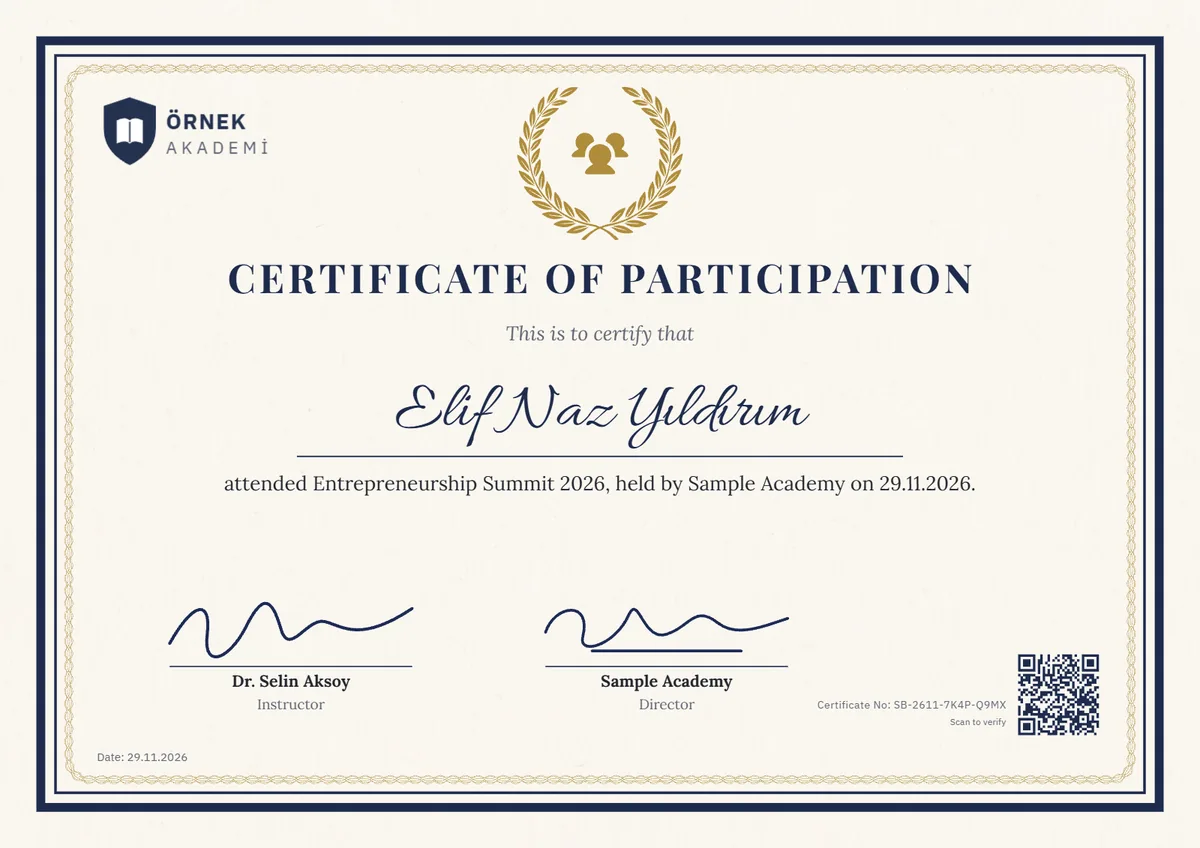
Design your first certificate today.
Open the editor without signing up; when you save, your design moves to your institution account.