
Bulk certificate generator
Generate hundreds of certificates at once from a spreadsheet or sign-up list. One combined PDF or one file per person, with long names fitted automatically.
Twenty certificates in a word processor is tedious. Two hundred is an error waiting to happen. Bulk generation means one design, one list and one click.
Bring your list
- Upload Excel or CSV. Map your columns ("Name" → full name, "Email" → email). First and last name in separate columns? Map both. Rows with problems, like an empty name, are listed in an error report.
- Or collect it. Attendees enter their own details and confirm how their name appears.
A design that fits every name
A long name and a short one should both look right. The editor shrinks names that don't fit down to a minimum size you set, and warns you if one still won't fit. Preview with the longest name on your list before you issue anything. Language-specific capitalization is handled correctly, including Turkish dotted and dotless i.
Issue in one click
Select all approved attendees (or just some) and click Issue certificates. Everyone gets a unique ID and QR code; nobody gets a duplicate.
Output options
- One combined PDF — every certificate on its own page, ready to print.
- One PDF per person — named after the participant and certificate ID.
- Print order — we prepare the print-ready file with bleed and crop marks.
PDFs are generated in your browser with selectable text, embedded fonts and vector QR codes. Very large lists are processed in batches.
Frequently asked questions
How many certificates can I generate at once?
There's no list size limit; the free plan has a monthly certificate allowance. Certificates from programs you order prints for don't count toward it.
My CSV shows broken characters.
Save it as UTF-8, or use XLSX.
I added people later.
Approve them and issue just their certificates; existing ones stay unchanged.
Related templates
See all-
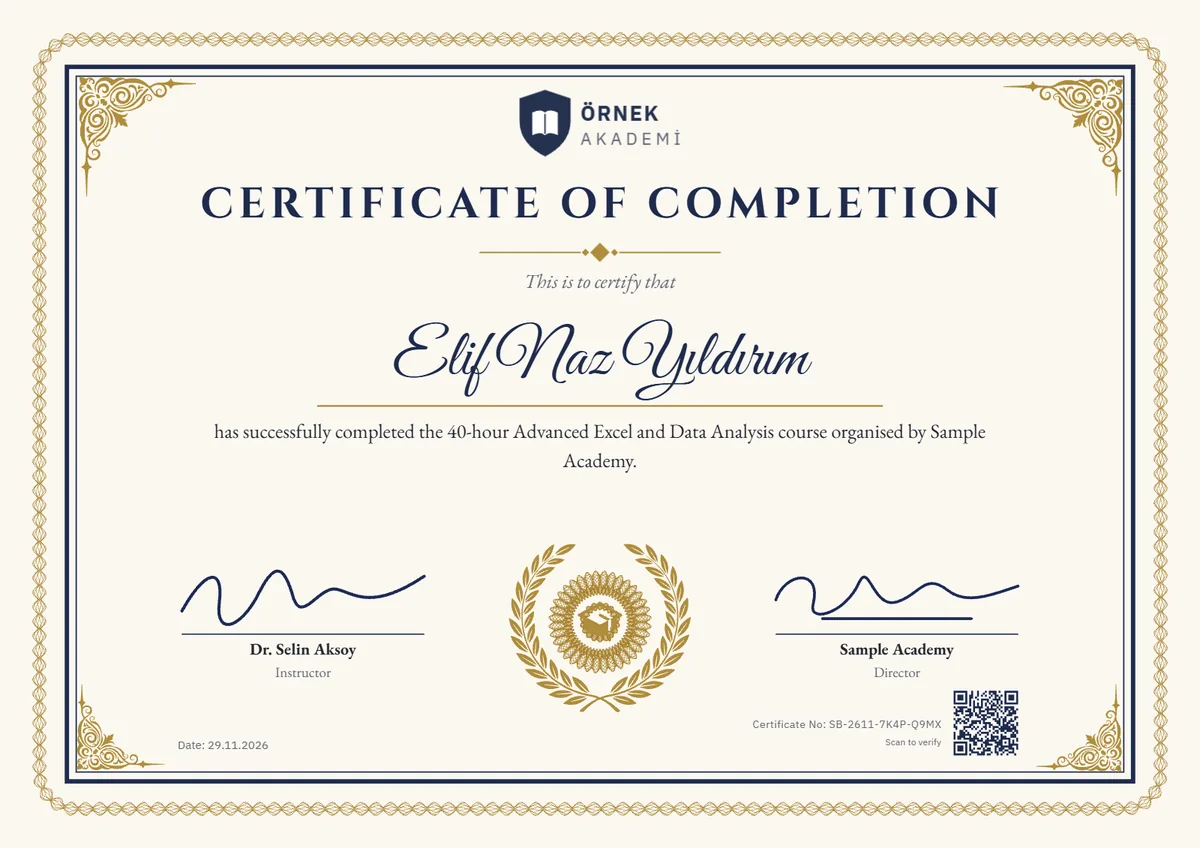 Training / Course Completion — Classic Guilloche
Course completion · A4 landscape
-
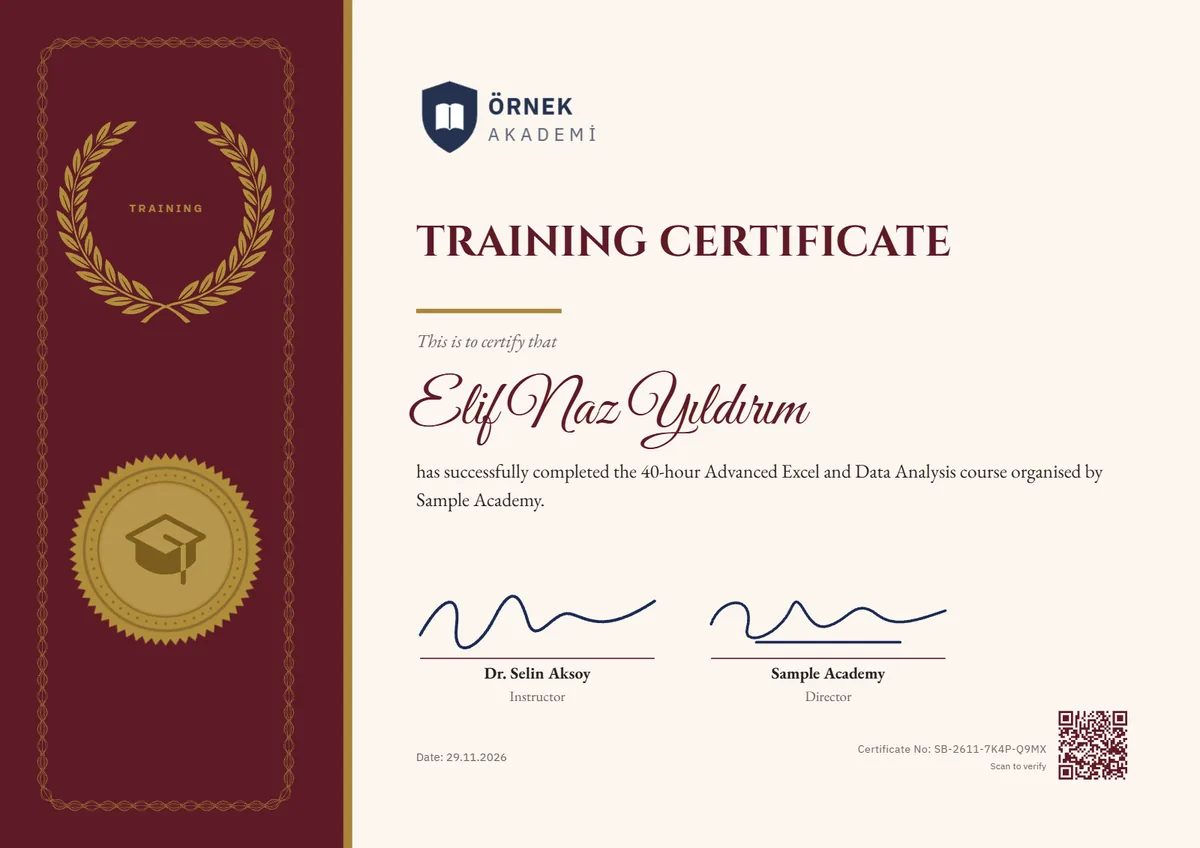 Training / Course Completion — Side Band
Course completion · A4 landscape
-
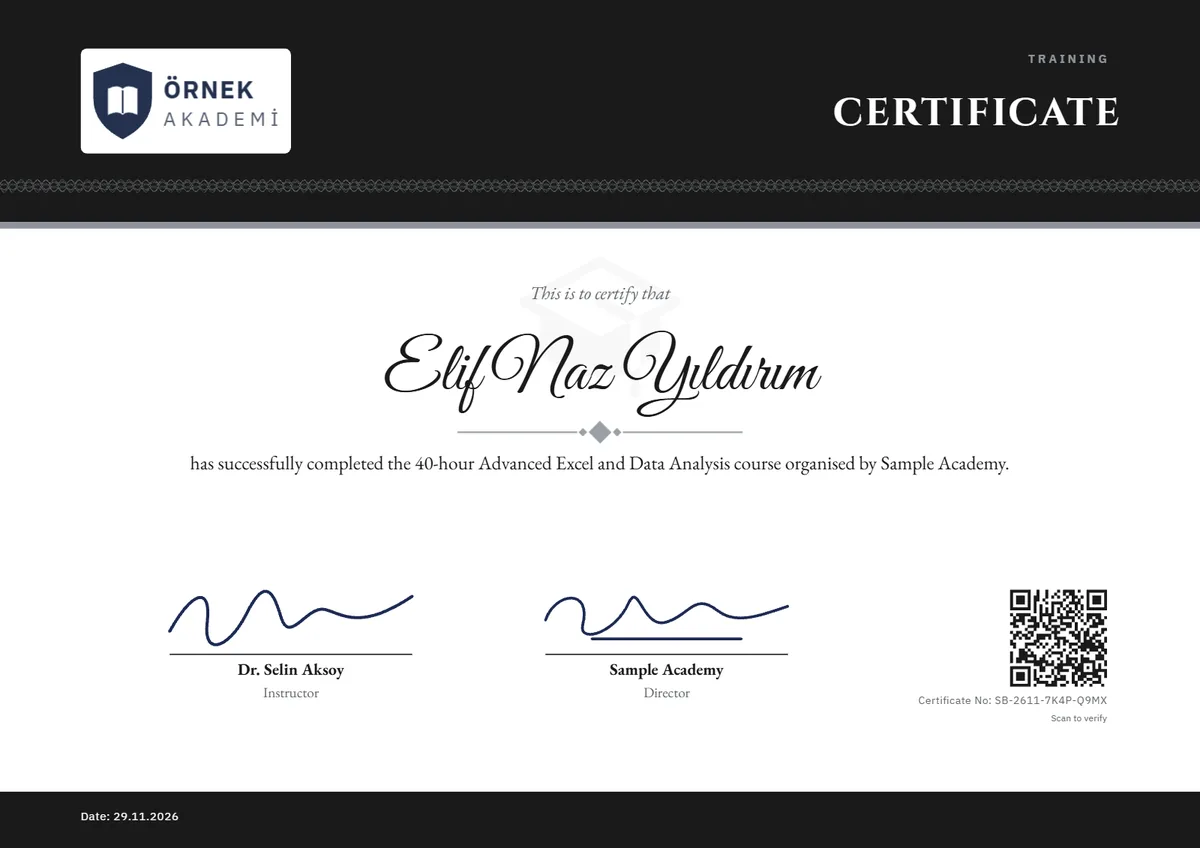 Training / Course Completion — Corporate Band
Course completion · A4 landscape
-
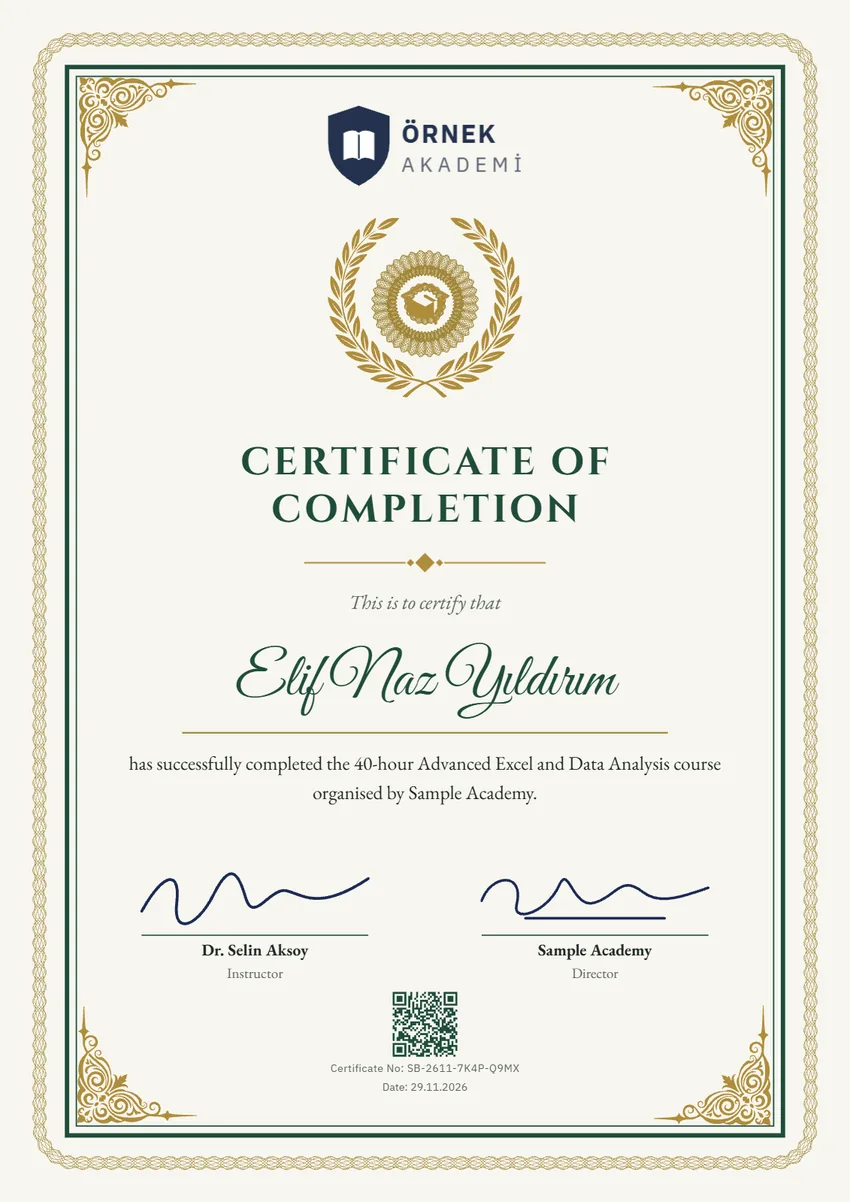 Training / Course Completion — Classic Portrait
Course completion · A4 portrait
Design your first certificate today.
Open the editor without signing up; when you save, your design moves to your institution account.