
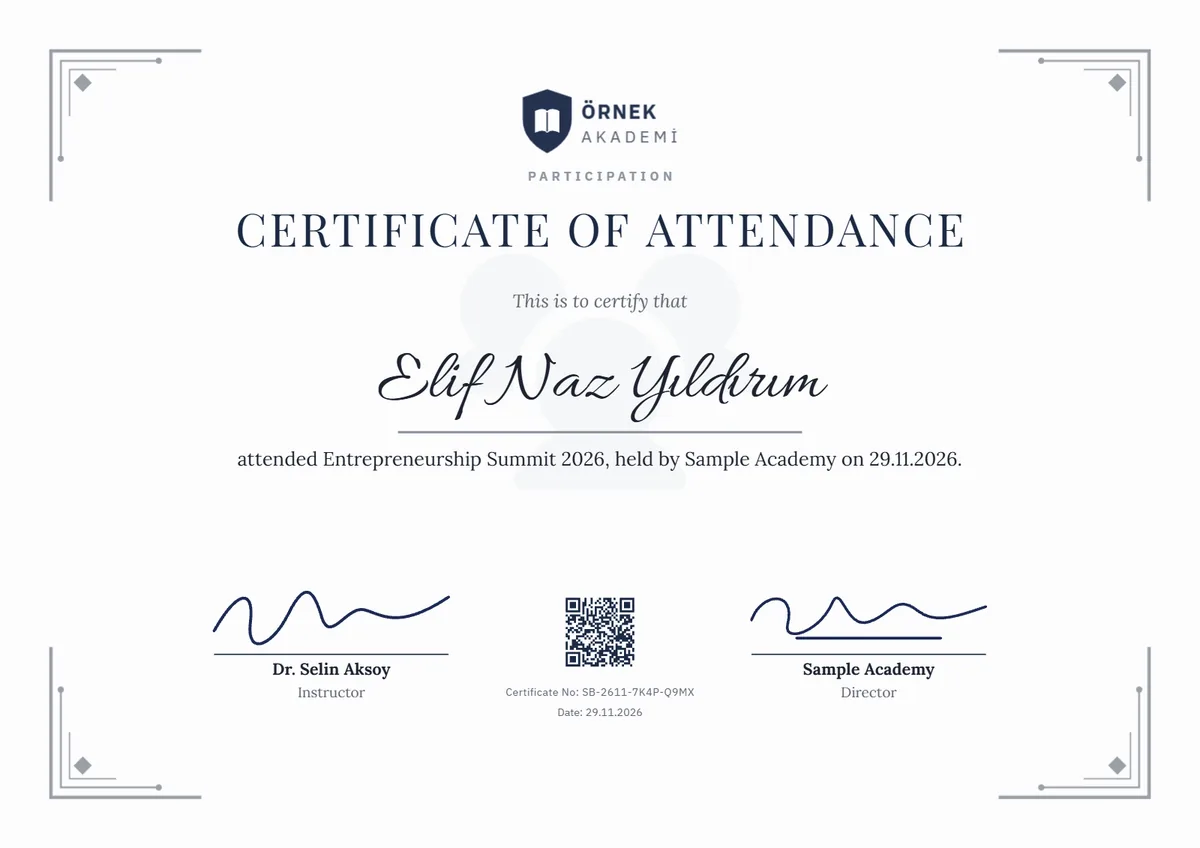
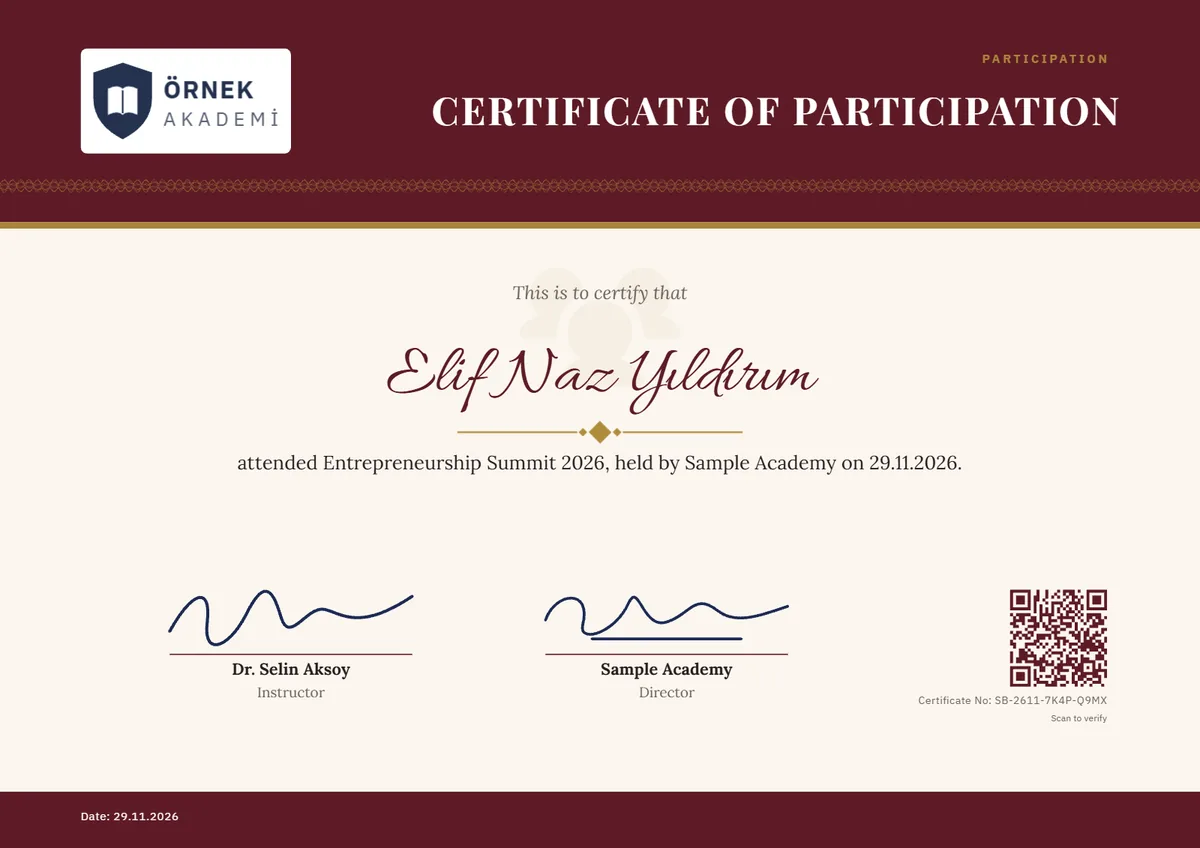
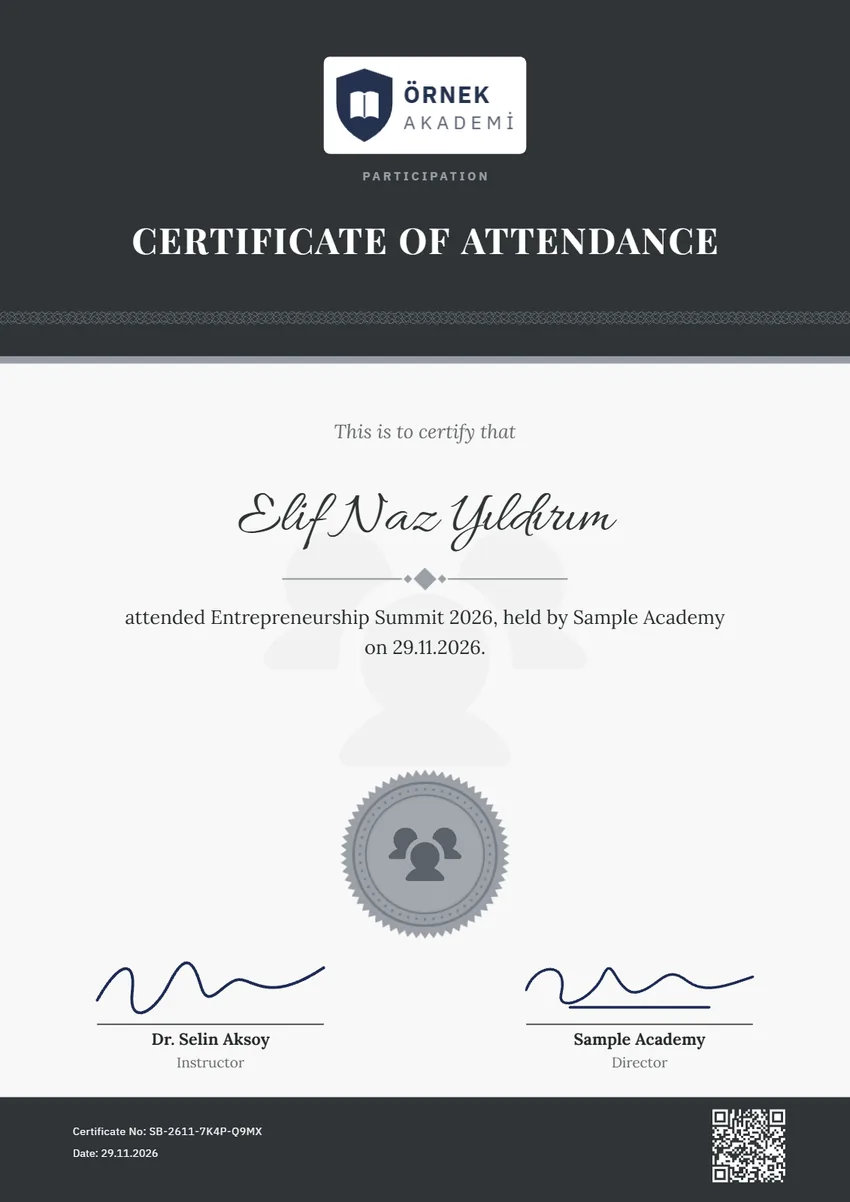
Certificate of participation
Issue certificates of participation for workshops, events and trainings. Attendees register with a QR poster at the door; certificates are ready as verified PDFs.
A certificate of participation doesn't measure performance — it records that someone was there. That makes speed and an accurate attendee list the two things that matter most.
Register at the door, certify the next morning
- Create the event and pick a design.
- Print the event's QR poster and put it at the entrance. Attendees scan it and register on their phones — no paper sign-in sheet.
- When the event ends, review and approve the list.
- Issue all certificates at once. Each attendee gets a link to their own certificate.
You choose what the form asks for. Full name is required; email, phone, school or company are optional. Duplicate sign-ups with the same email or phone are caught automatically.
Big crowds? Print them blank
If you don't know the final headcount, or you'd rather hand certificates out on the day, choose blank certificates. The name line is left empty for handwriting, but every sheet still carries its own QR code that proves it came from your organization.
Wording tips
- Use "has participated in" rather than "has successfully completed".
- Include the event date and, for longer events, the number of hours.
- Put speaker or organizer signatures at the bottom.
Frequently asked questions
How fast can I issue participation certificates?
Minutes. Once the list is approved, certificates are numbered and ready to download.
How do attendees get their certificates?
Share each certificate's link. Attendees can also sign in with their email to a "My certificates" page that collects everything they've received.
Should I collect national ID numbers?
We don't recommend it, and it's off by default.
Related templates
See all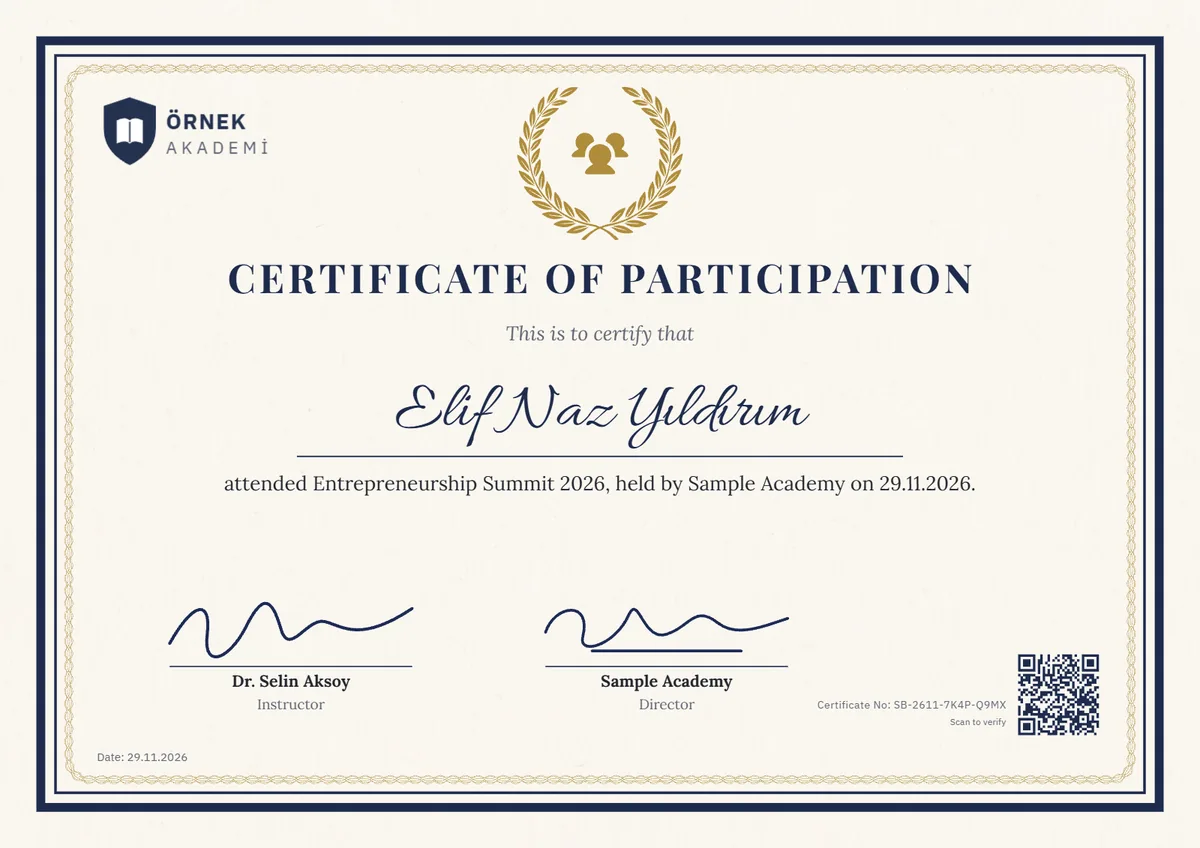
Related pages
- Webinar and seminar certificates
- Collect attendee details with a sign-up link
- Bulk certificate generator
- Blank certificates you fill in by hand — still verifiable
- Certificate templates
- Participation, completion or achievement? Choosing the right certificate
- Certificates for driving schools and vocational training
Design your first certificate today.
Open the editor without signing up; when you save, your design moves to your institution account.