
Certificate verification
Check whether a certificate is genuine by scanning its QR code or entering its ID. Free, instant, no sign-up. Issue verifiable certificates for your organization.
A certificate landed on your desk with a job application. Is it real? Any certificate issued through Sertifikabu can be checked in two ways.
Scan the QR code
Point your phone camera at the QR code. The verification page opens in your browser — no app needed.
Or type the ID
Enter the certificate ID (like SB-2611-7K4P-Q9MX, or just the last eight characters) on the verification page. Case and dashes don't matter.
What the result means
| Status | Meaning |
|---|---|
| ✔ Valid | Issued by the organization and still valid. |
| ✖ Revoked | The issuer revoked it; the reason and date are shown, plus the new ID if it was reissued. |
| ? Not found | No certificate with this ID exists. It may be fake. |
A valid certificate shows the issuer's name and logo, the holder's name (partly masked if the issuer chose so), the course, date, hours and signatory. A Verified Organization badge appears when the issuer's documents have been checked, and a linked hologram code is shown too.
Blank-printed certificates
Some organizations print certificates with an empty name line and fill it in by hand. Their verification page reads "This certificate was issued and approved by <Organization>"; if a name has been linked to the code, it's shown as well.
Found something suspicious?
Use Report a fake certificate on the verification page. We'll review it and contact the issuer if needed.
Frequently asked questions
Does verification cost anything?
No. It's free for everyone and needs no account.
Are ID numbers shown?
No. If an issuer collects national ID numbers, only the last four digits appear.
Can I check certificates issued elsewhere?
Only certificates issued through Sertifikabu can be verified here.
Related templates
See all-
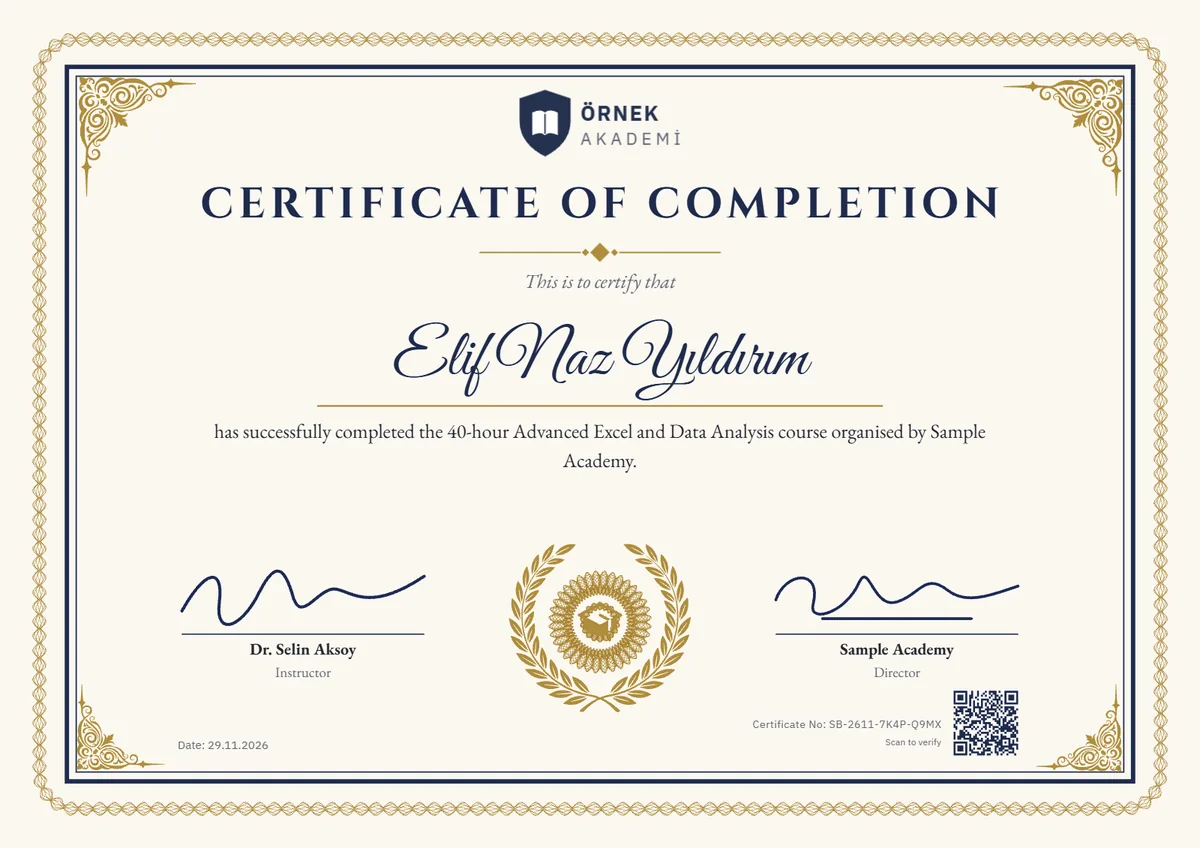 Training / Course Completion — Classic Guilloche
Course completion · A4 landscape
-
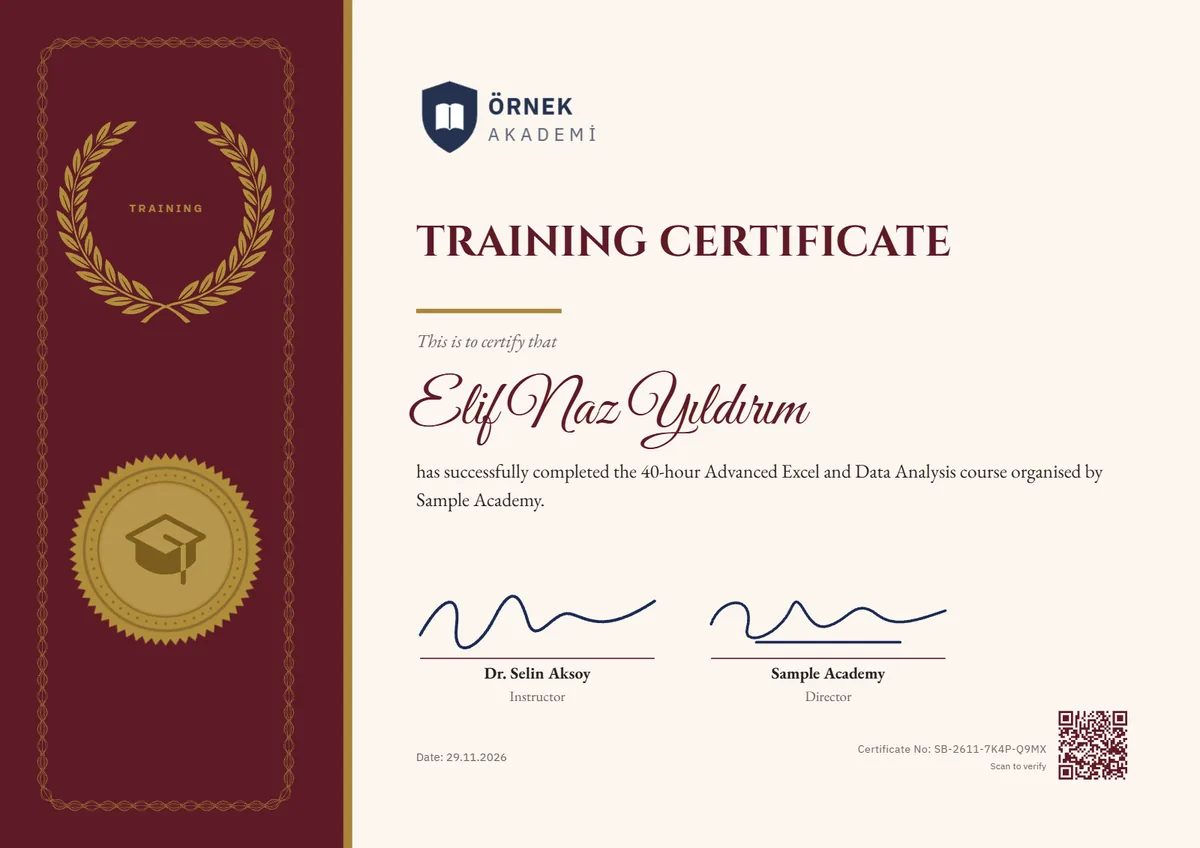 Training / Course Completion — Side Band
Course completion · A4 landscape
-
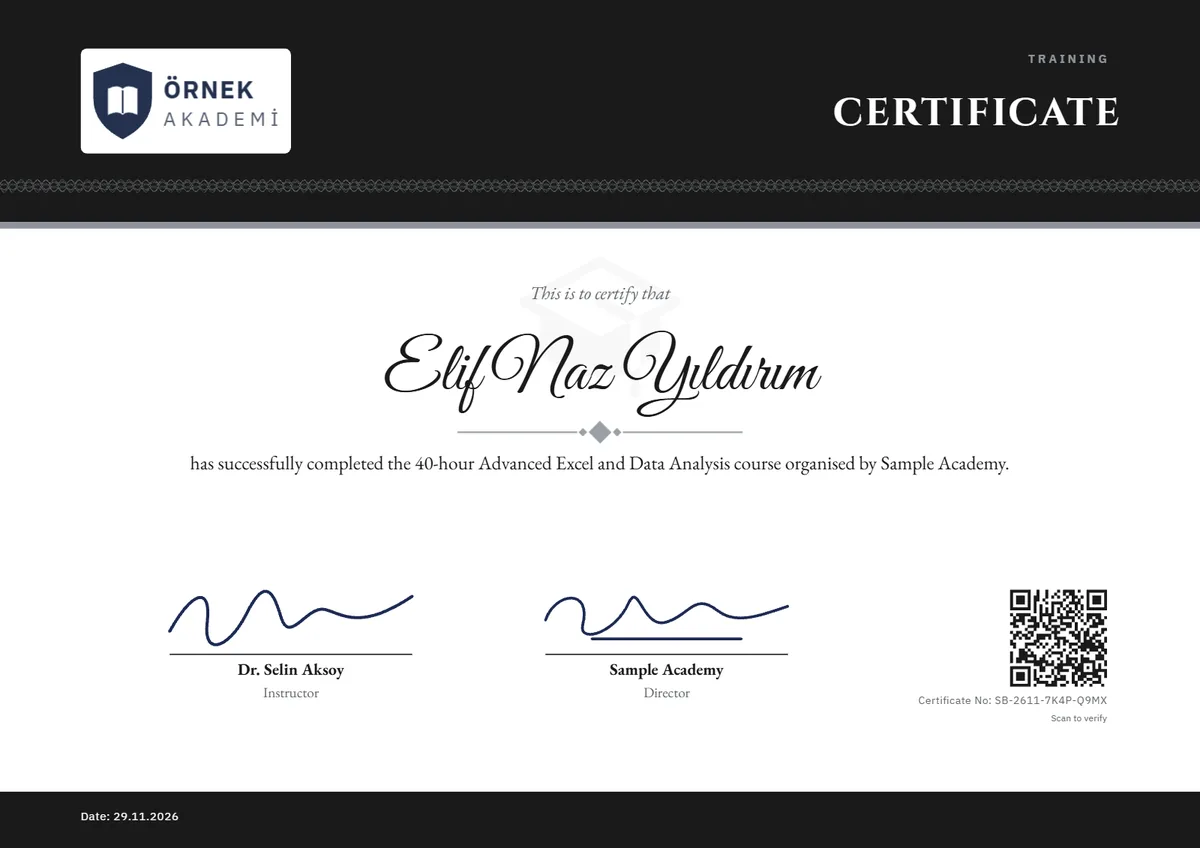 Training / Course Completion — Corporate Band
Course completion · A4 landscape
-
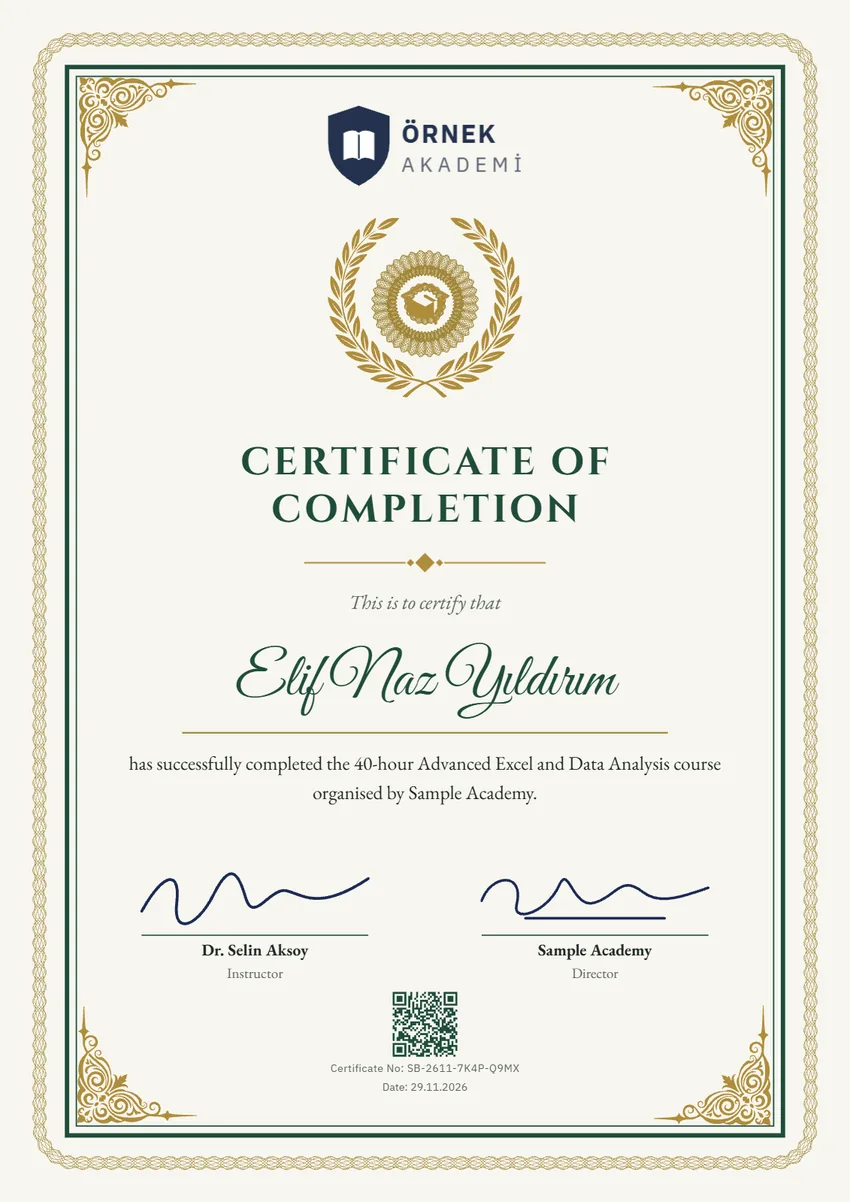 Training / Course Completion — Classic Portrait
Course completion · A4 portrait
Design your first certificate today.
Open the editor without signing up; when you save, your design moves to your institution account.