
Verified Organization badge
Upload a registration document and, once approved, a Verified Organization badge appears on every certificate's verification page — protection against fake issuers.
A QR code proves a certificate is in our system. But is the issuing organization real? The Verified Organization badge answers that: we've reviewed and approved the organization's official documents.
How to get it
- Open Organization verification in your dashboard.
- Upload one of:
- Tax registration certificate
- Ministry of Education operating permit
- Certificate of activity / trade registry document
- Another official registration document
- We review it and approve, or send it back with a note if something's missing.
Uploaded documents are never stored in a public folder; only authorized reviewers can see them.
Where it appears
- On every certificate verification page, next to your name
- On blank-printed certificates' verification pages
- On your sign-up forms, so attendees know who they're dealing with
Why it matters
Anyone can open an account and type any name. The badge tells the person checking a certificate that the name belongs to a real organization — which matters most in hiring and scholarship decisions.
Frequently asked questions
Does it cost anything?
All organizations can apply; plan-specific terms are on the pricing page.
How long does approval take?
Applications are reviewed in order; status shows as Pending, Approved or Rejected.
What if our name changes?
Upload an updated document. If you change your short name, old links redirect automatically.
Related templates
See all-
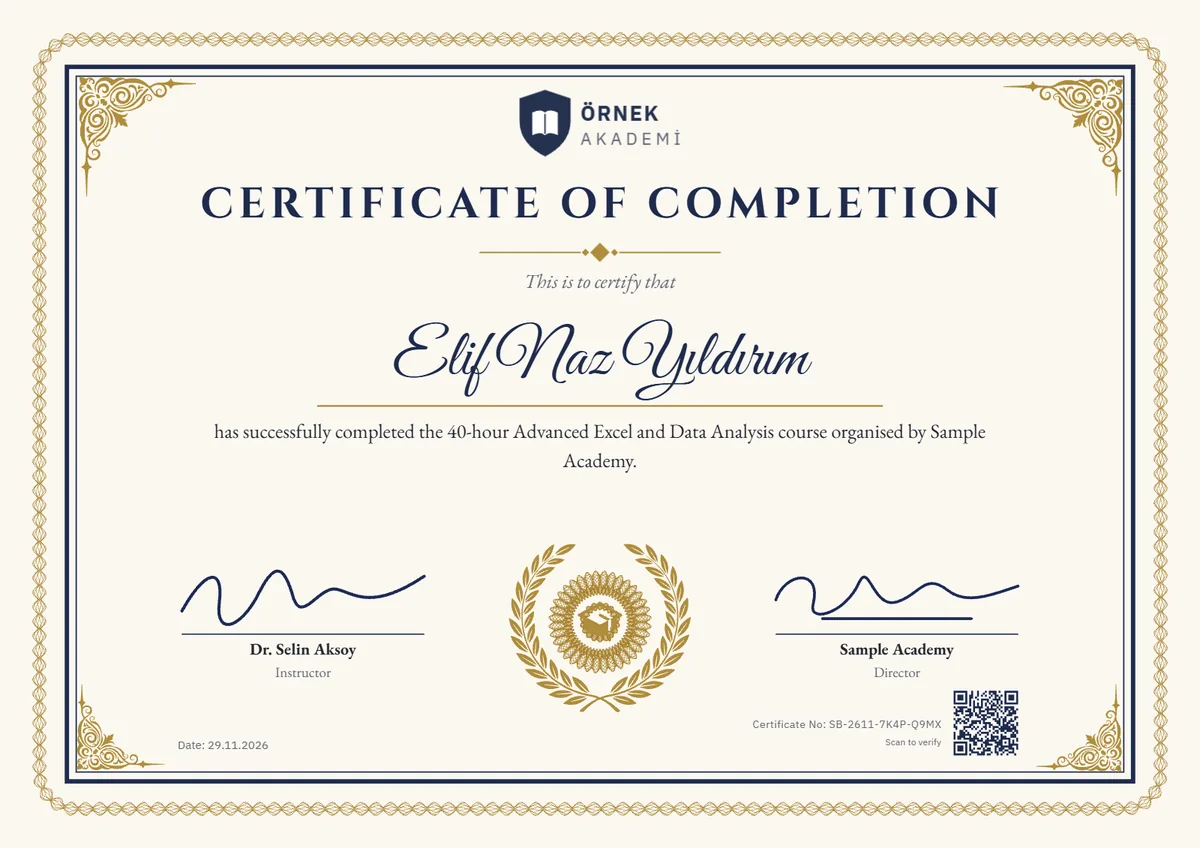 Training / Course Completion — Classic Guilloche
Course completion · A4 landscape
-
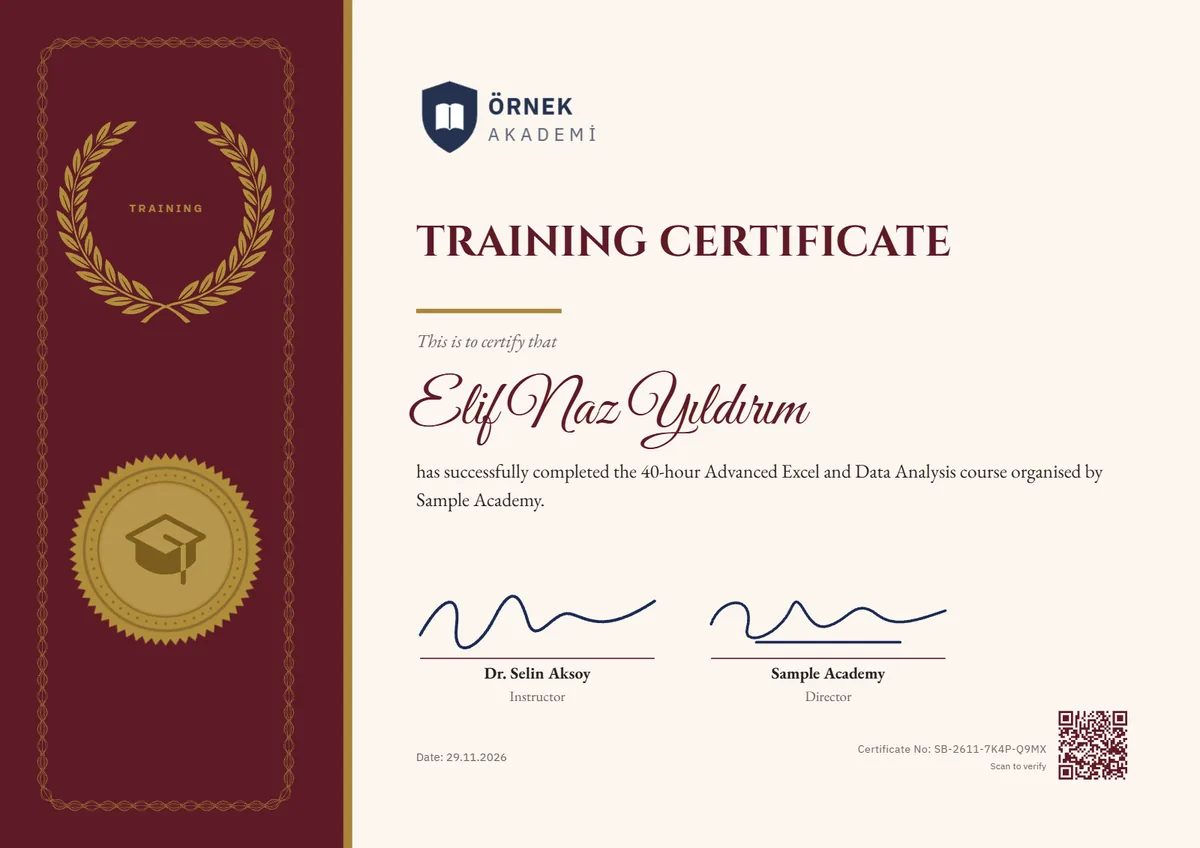 Training / Course Completion — Side Band
Course completion · A4 landscape
-
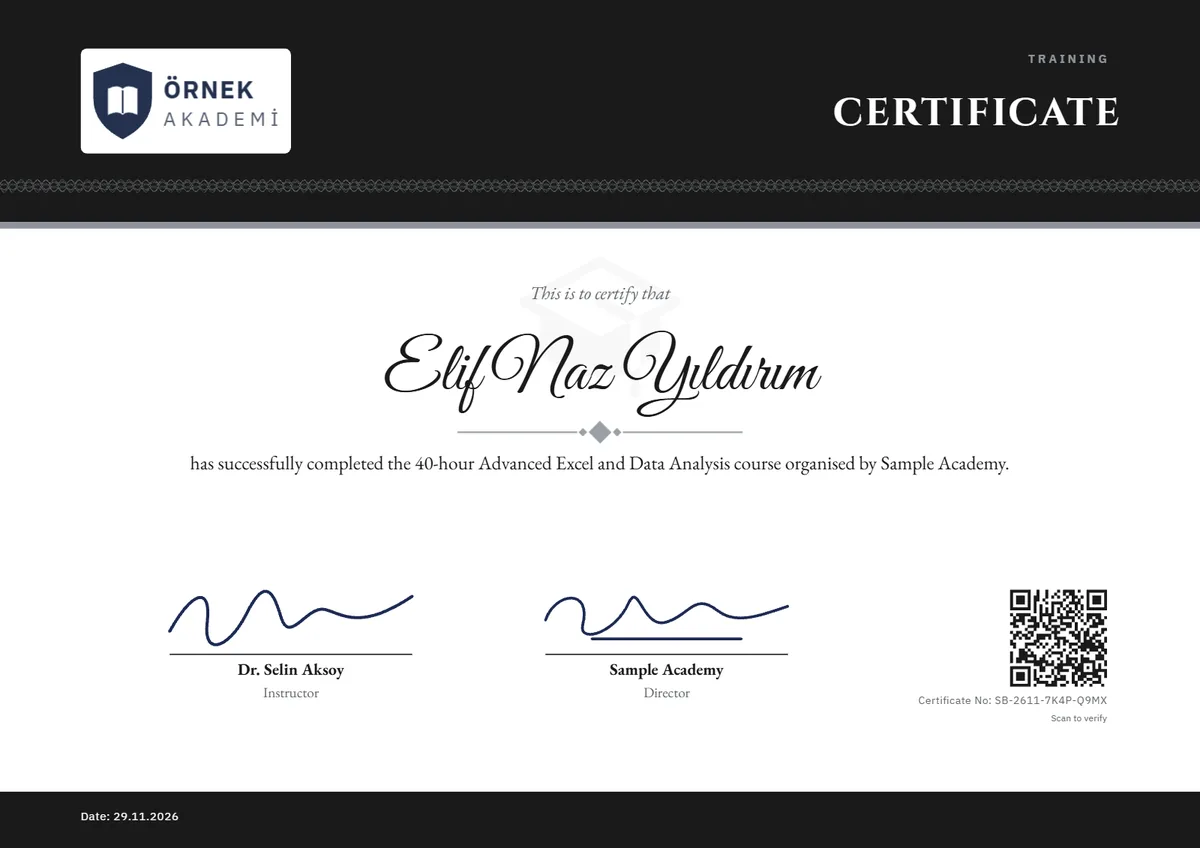 Training / Course Completion — Corporate Band
Course completion · A4 landscape
-
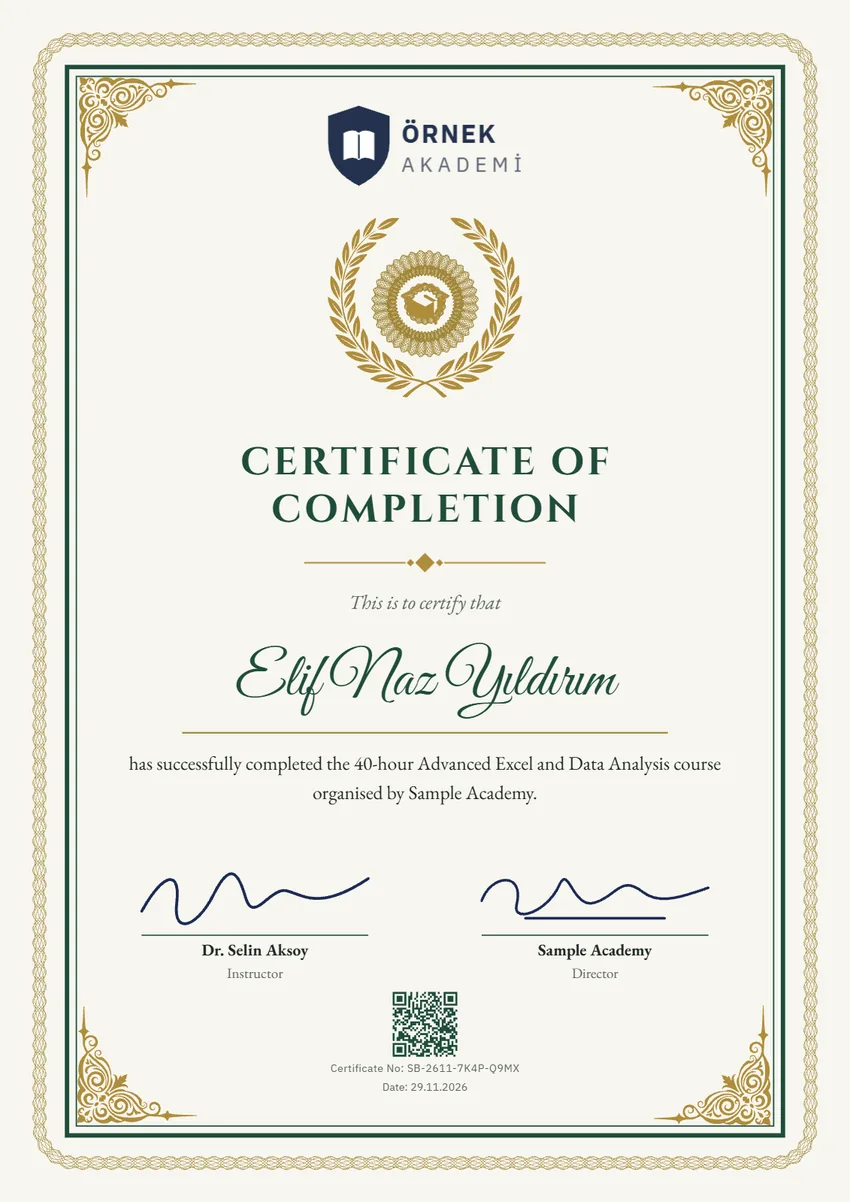 Training / Course Completion — Classic Portrait
Course completion · A4 portrait
Design your first certificate today.
Open the editor without signing up; when you save, your design moves to your institution account.