
Online certificate maker
Design certificates in your browser. Edit templates, add your logo and signature, and use smart fields to create a personalized certificate for every attendee.
The Sertifikabu editor is a canvas built for certificates — not a general design tool with a hundred menus you'll never touch. It runs in your browser, nothing to install.
What you can do
- Page: A4 or A5, landscape or portrait, with bleed and safe-area guides for printing.
- Elements: text, headings, images, logo, signatures, seal, shapes, lines, borders, guilloche-style ornaments and a QR code.
- Smart fields: full name, program, date, hours, trainer, certificate ID, organization, achievement and five custom fields. Each certificate fills in its own data.
- Layout tools: layers, align, group, lock, undo/redo, guides, zoom.
- Fonts: a curated set of properly licensed fonts with full extended-Latin support, embedded in the PDF.
Everything is editable
Nothing in a template is locked — including the QR code. Move it, resize it, recolor it or delete it. If you remove it, the editor just lets you know; the certificate ID still works for verification.
Preview with real names
Preview your design with three names from your list, including the longest one, so you catch "doesn't fit" before it reaches the printer.
Try it without signing up
On Design your certificate you can pick a template and start editing straight away. Your work is kept in your browser; create a free account when you're ready to save, download or add attendees, and the design moves to your account.
Frequently asked questions
Can I use my own background design?
Yes. Upload it as an image and place the smart fields on top.
Does it design certificates with AI?
No. You design; templates help you start fast.
Does it work on a phone?
Phones get a quick-edit mode for text, logo and colors. Use a computer for detailed design work.
Related templates
See all-
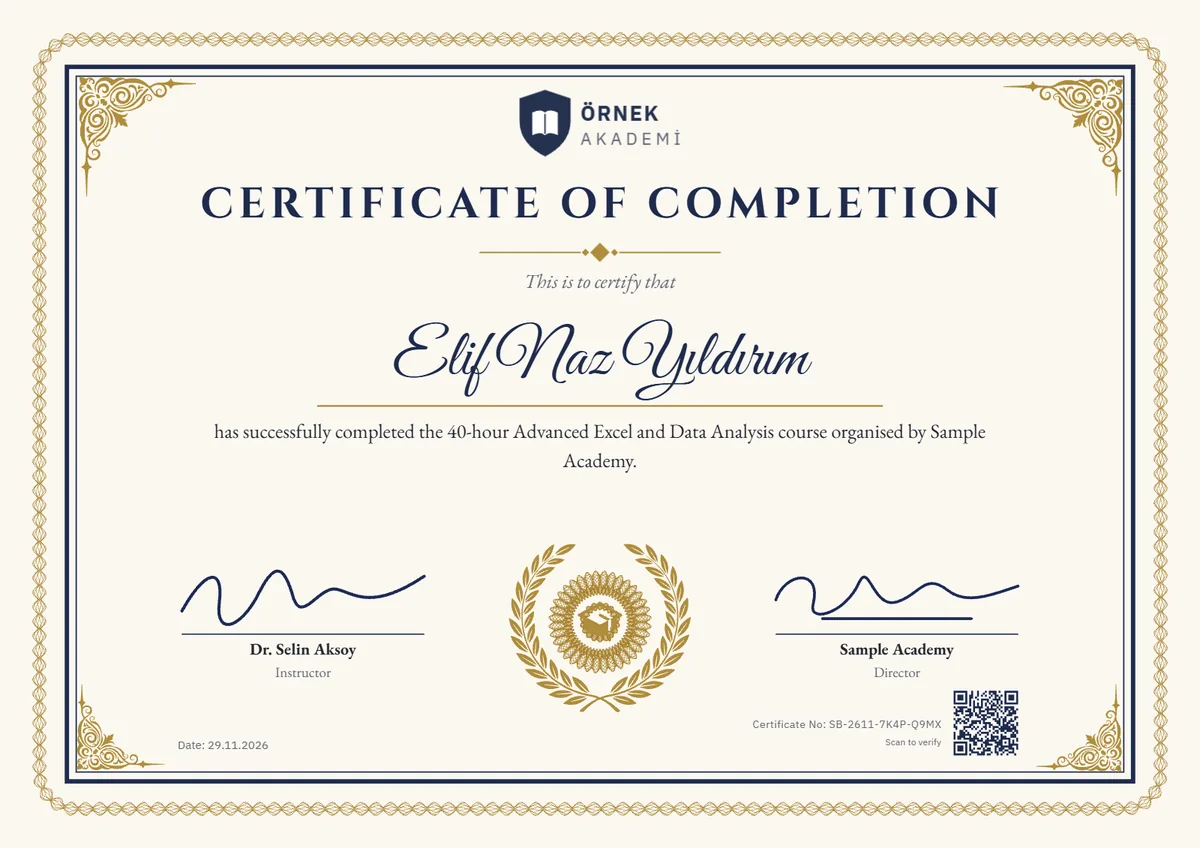 Training / Course Completion — Classic Guilloche
Course completion · A4 landscape
-
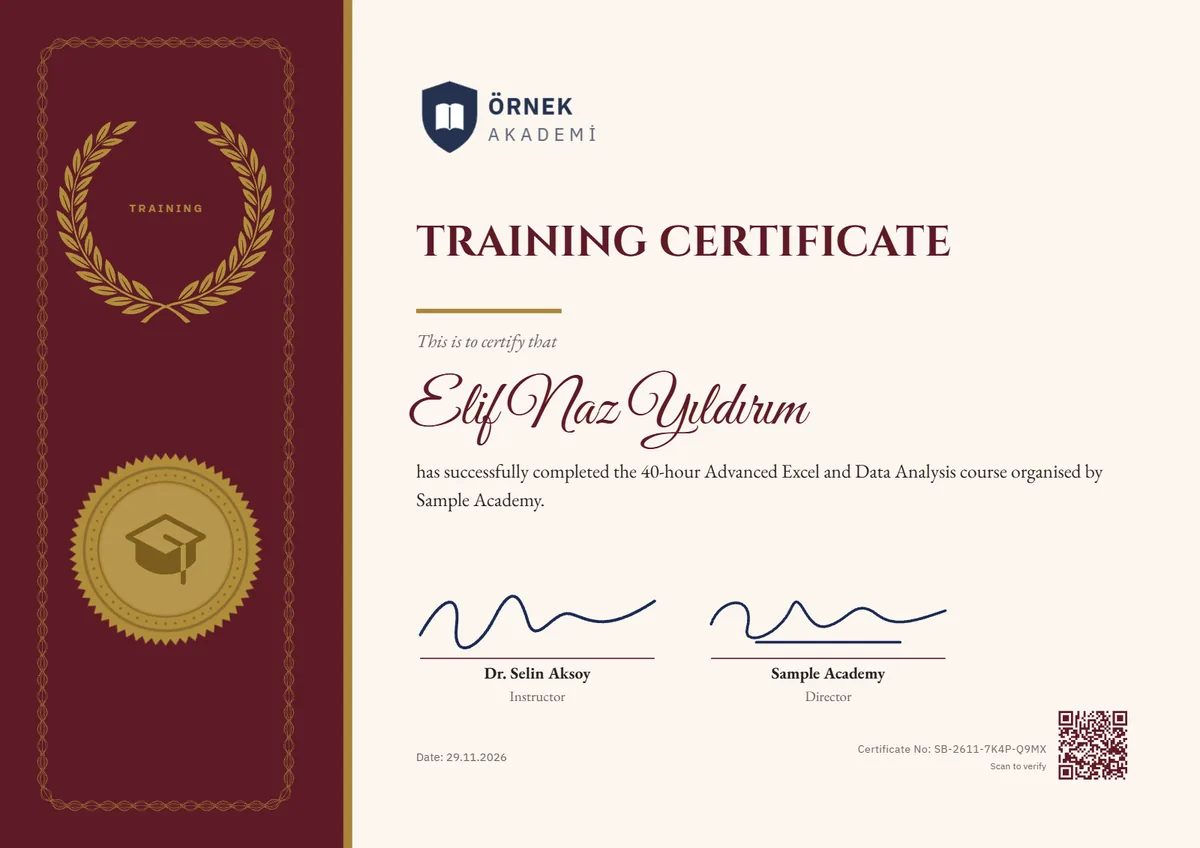 Training / Course Completion — Side Band
Course completion · A4 landscape
-
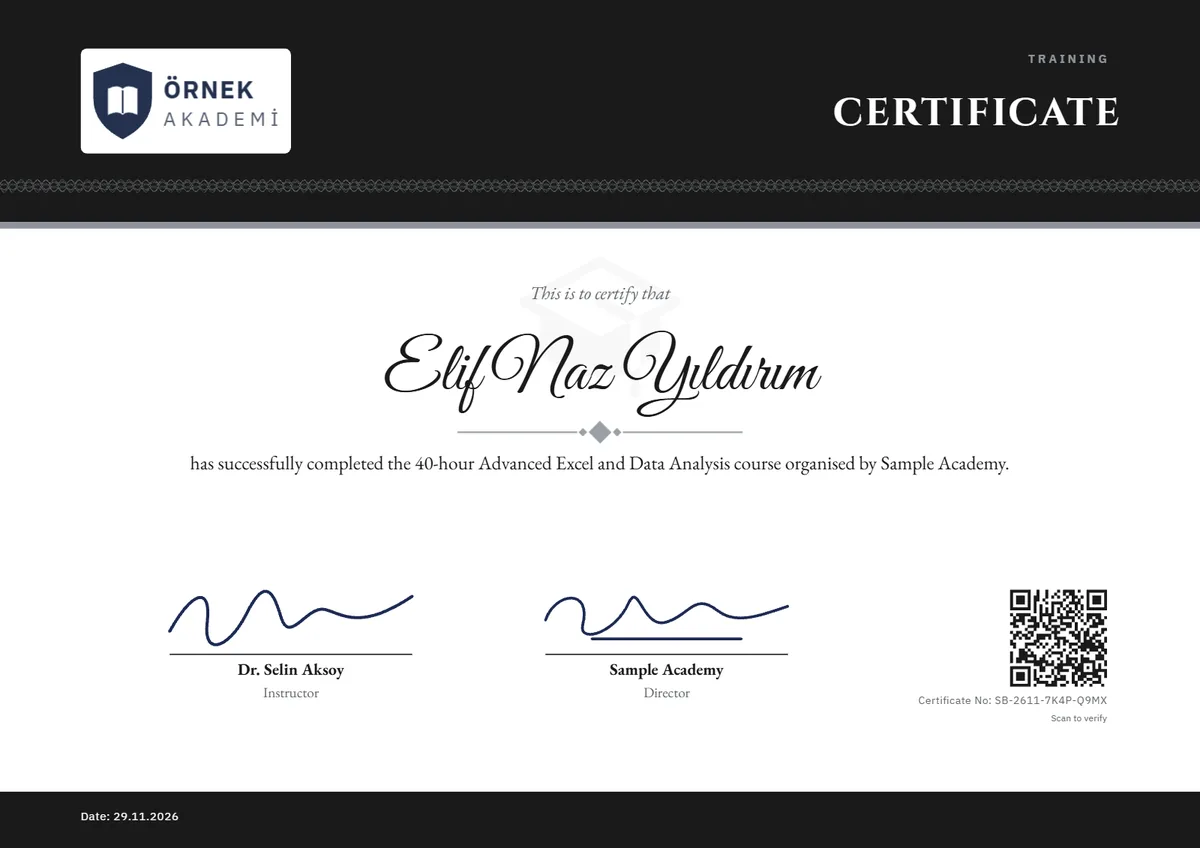 Training / Course Completion — Corporate Band
Course completion · A4 landscape
-
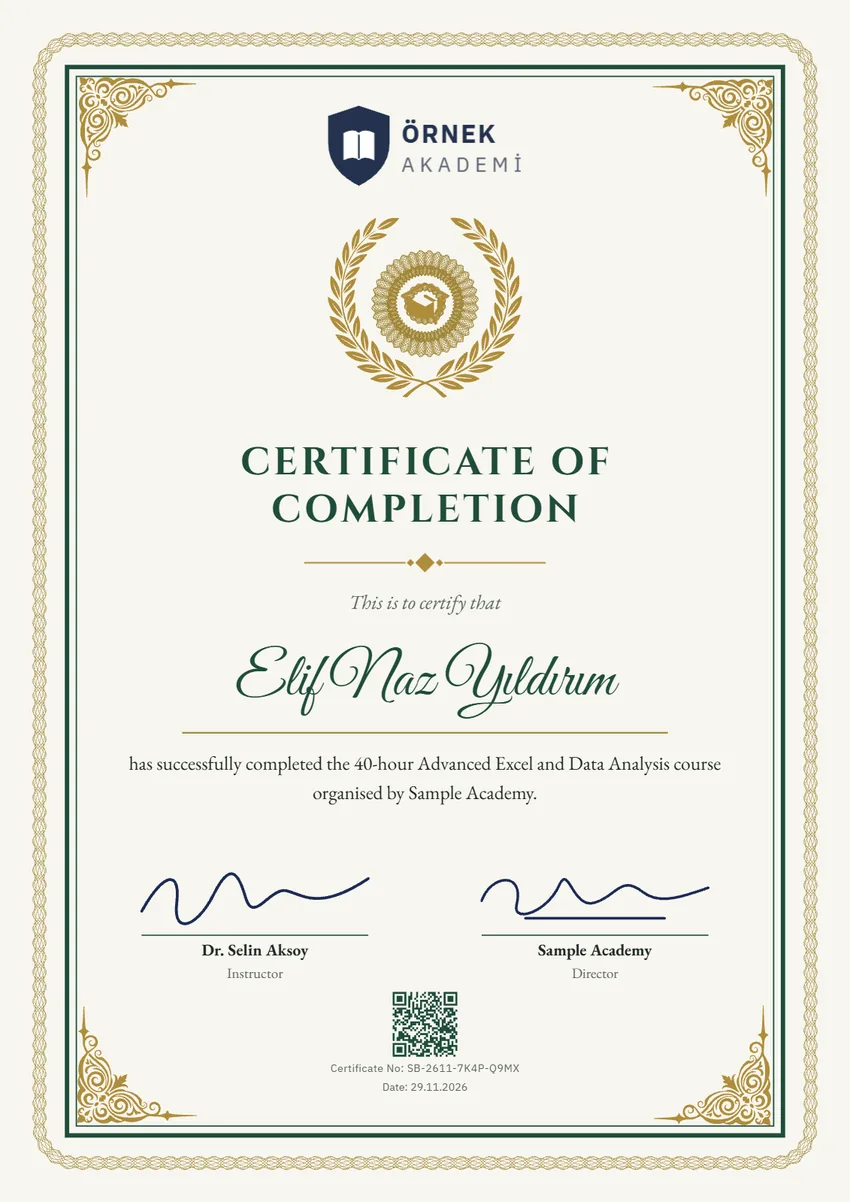 Training / Course Completion — Classic Portrait
Course completion · A4 portrait
Design your first certificate today.
Open the editor without signing up; when you save, your design moves to your institution account.