
Blank certificates you fill in by hand — still verifiable
Print certificates with an empty name line and a unique QR code and ID on every sheet. Write the name by hand; scanning shows the certificate came from you.
Sometimes the attendee list isn't final before the print deadline. Sometimes handwriting the name is a tradition. With blank printing, certificates come with an empty name line — but every sheet still carries its own QR code and certificate ID, so even handwritten certificates are verifiable.
How it works
- In your print order choose Blank (handwritten) and the quantity.
- Once paid, that many certificate codes are generated in sequence, all linked to your program.
- Certificates are printed, each with a different QR code and ID.
- Write the name by hand when you hand it out.
What scanning shows
"✔ This certificate was issued and approved by <Your organization>", the program name, issue date, your logo and — if you're verified — the Verified Organization badge. No name line.
Link a name later, if you want
The "Blank codes" list shows each code's status: unused, name linked or revoked. Link the recipient's name and it appears on the verification page. Revoke codes for lost or spoiled sheets.
Who uses it
- Preschools and kids' programs that handwrite names on the day
- Events with unknown headcounts
- Organizations that keep certificates in stock all year
- Anyone printing 1,000 foiled certificates for the year
Frequently asked questions
Do blank codes count toward my monthly limit?
No.
What about unused sheets?
Their codes stay unused until you use or revoke them.
Is a code valid without a linked name?
Yes. It shows as valid and confirms you issued it; the name just isn't shown.
Related templates
See all-
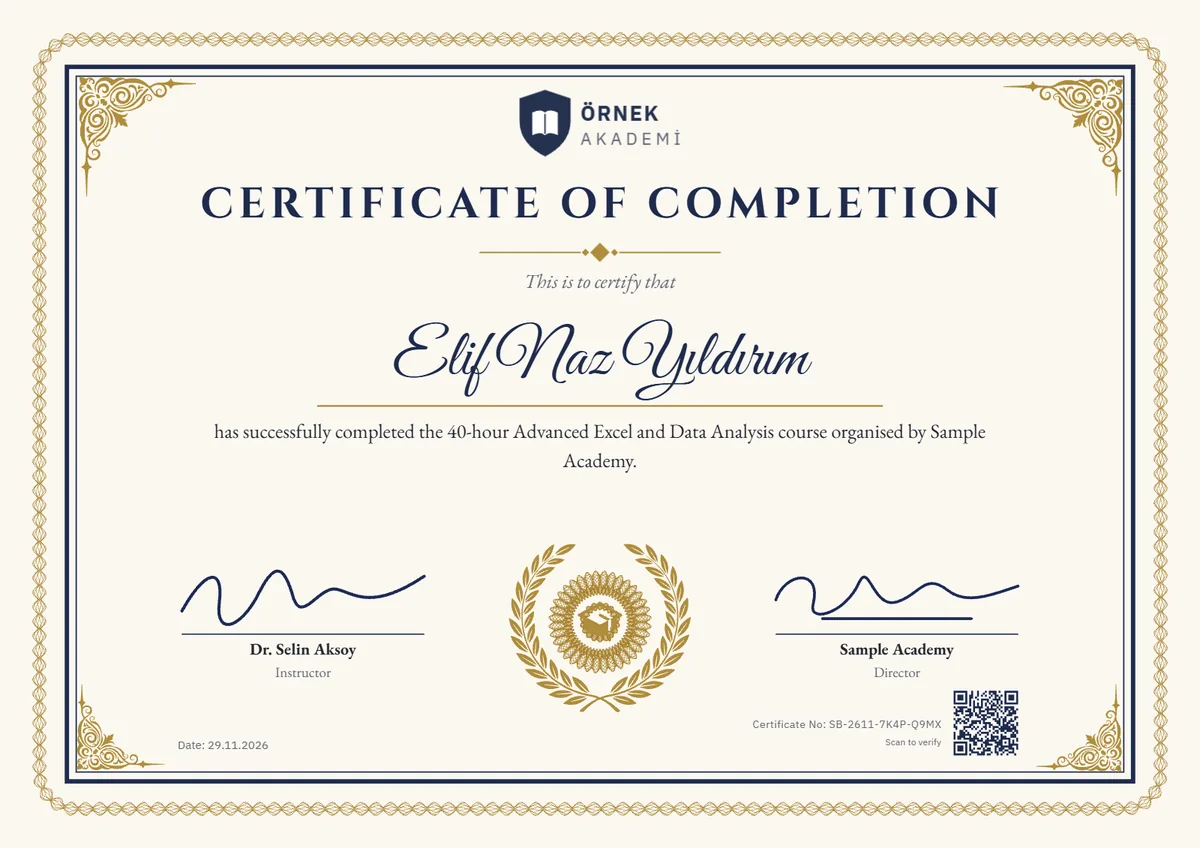 Training / Course Completion — Classic Guilloche
Course completion · A4 landscape
-
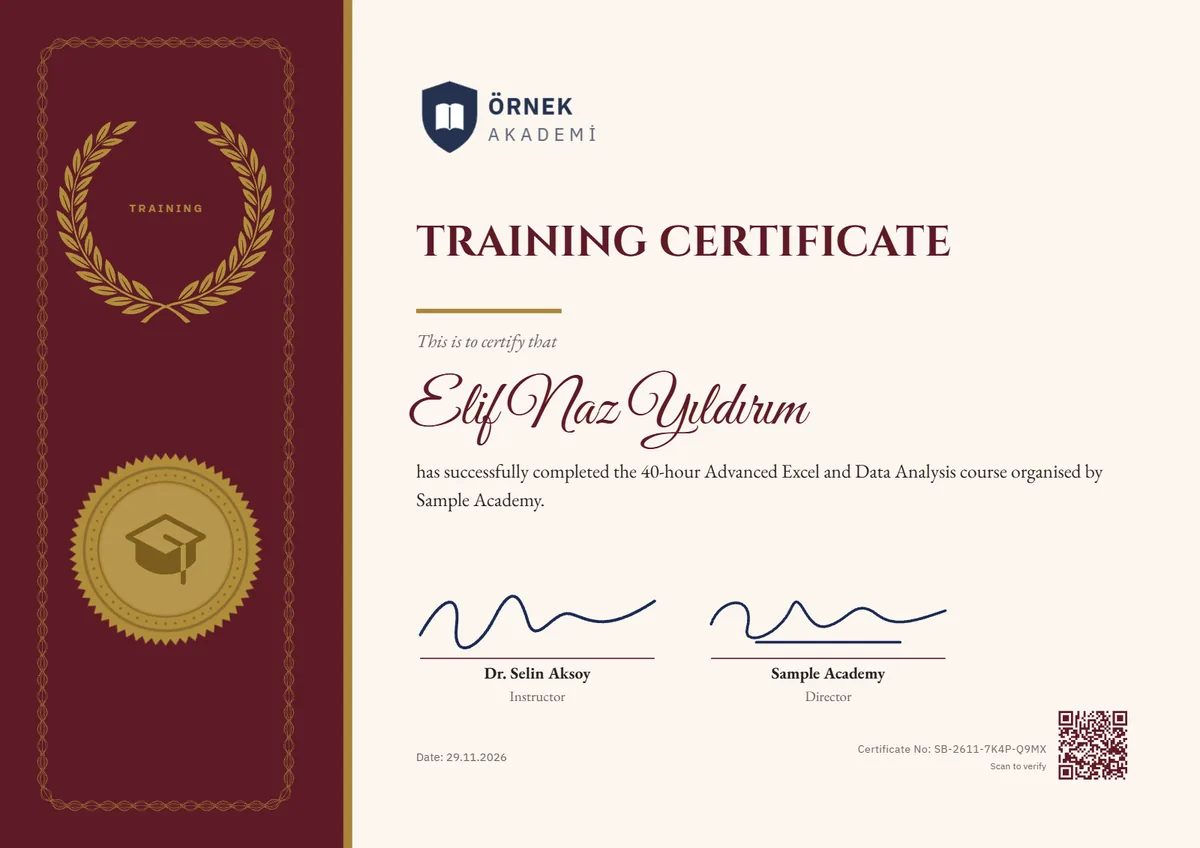 Training / Course Completion — Side Band
Course completion · A4 landscape
-
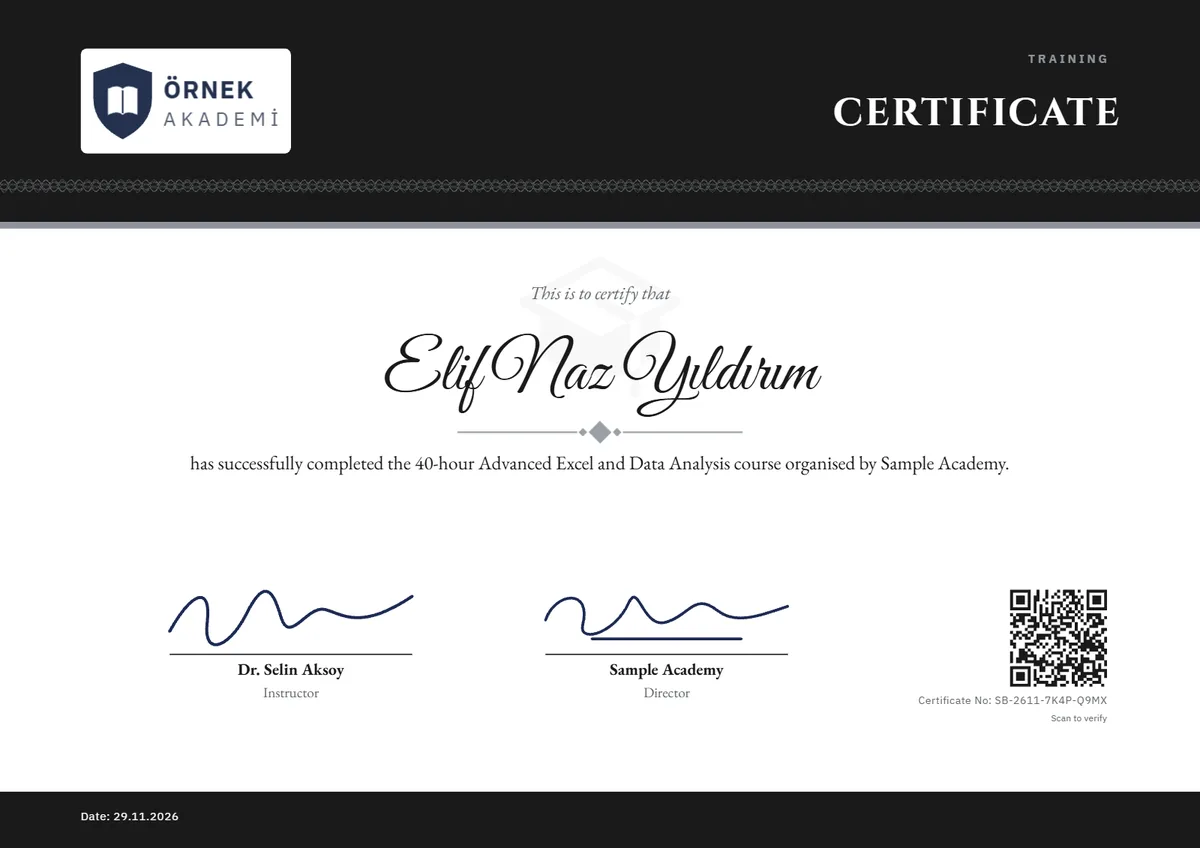 Training / Course Completion — Corporate Band
Course completion · A4 landscape
-
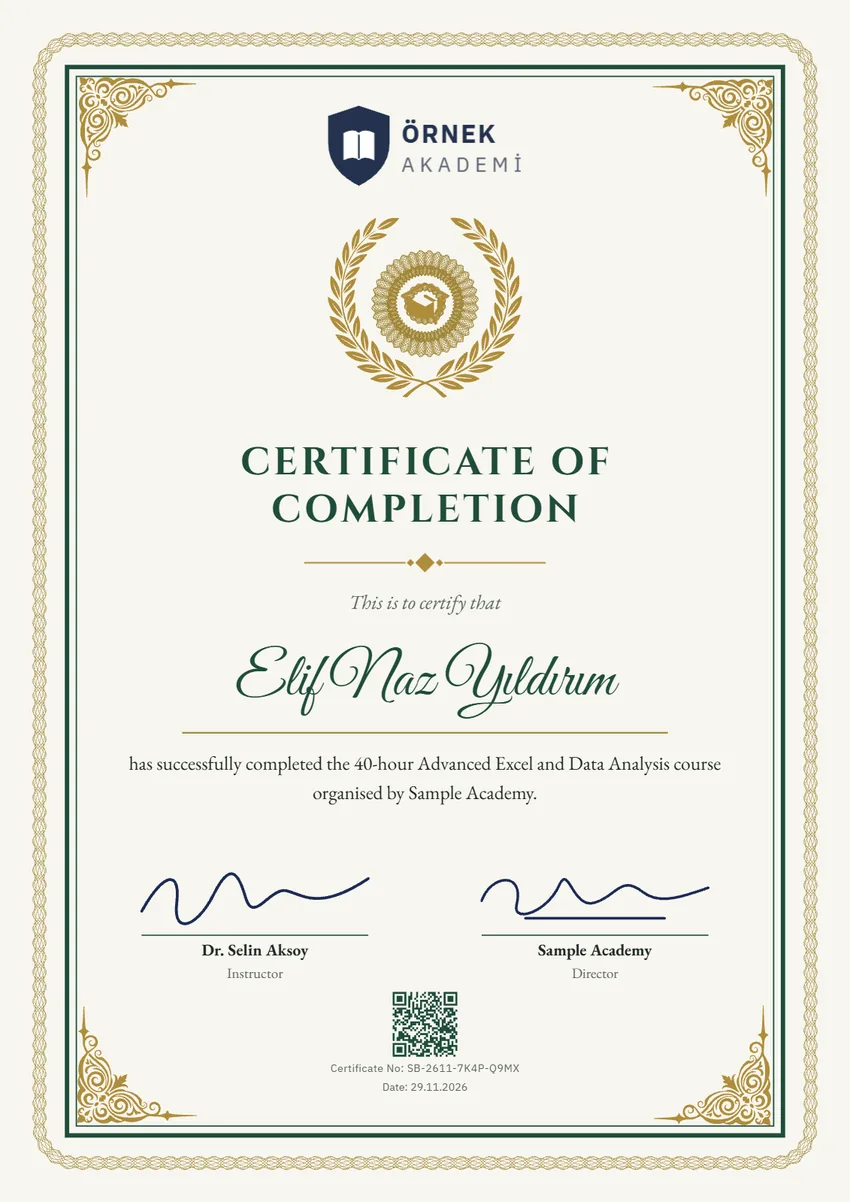 Training / Course Completion — Classic Portrait
Course completion · A4 portrait
Design your first certificate today.
Open the editor without signing up; when you save, your design moves to your institution account.