
Training certificates people can actually verify
Create training certificates from ready-made templates, collect attendee names with a sign-up link, and issue QR-verified PDF certificates for free.
A training certificate is often the only proof someone has that they finished your course. Hiring managers, schools and auditors ask to see it, and more and more they want to know whether it's genuine. Sertifikabu lets you design certificates in your own branding, collect attendee details without retyping a single name, and add a QR code that anyone can scan to confirm the certificate is real.
What a good training certificate includes
- The participant's full name, spelled the way they spell it
- Course title, date and length in hours
- Trainer name and signature
- Your organization's name, logo and seal
- A unique certificate ID and a QR code
All of these are built-in fields in the editor — {ad_soyad} (full name), {program}, {tarih} (date), {sure_saat} (hours), {egitmen} (trainer), {sertifika_no}. Design once, and every certificate fills in its own details.
From course to certificate in four steps
- Pick a design. Start from a certificate template or a blank A4 / A5 page, landscape or portrait.
- Create the course. Name, dates, hours, trainer.
- Add attendees. Share a sign-up link, print the QR poster for the classroom, or upload a spreadsheet. Attendees preview and confirm how their name will appear.
- Issue. Every certificate gets its own number and QR code. Download PDFs, or order printed copies.
Why a QR code matters
Scanning the code opens a verification page showing your organization, the holder's name, the course and whether the certificate is still valid. If you revoke a certificate, the page says so immediately.
Frequently asked questions
Is it free to create training certificates?
Yes. The free plan includes the editor, templates, sign-up forms, QR-verified PDFs and verification pages, with a monthly certificate limit. You only pay for printing and higher plans.
Do I have to type every name?
No. Attendees enter their own details through the sign-up link, or you upload an Excel/CSV file.
Can I fix a typo after issuing?
Yes. Reissue the certificate with the corrected name; the old ID is revoked and linked to the new one.
Related templates
See all-
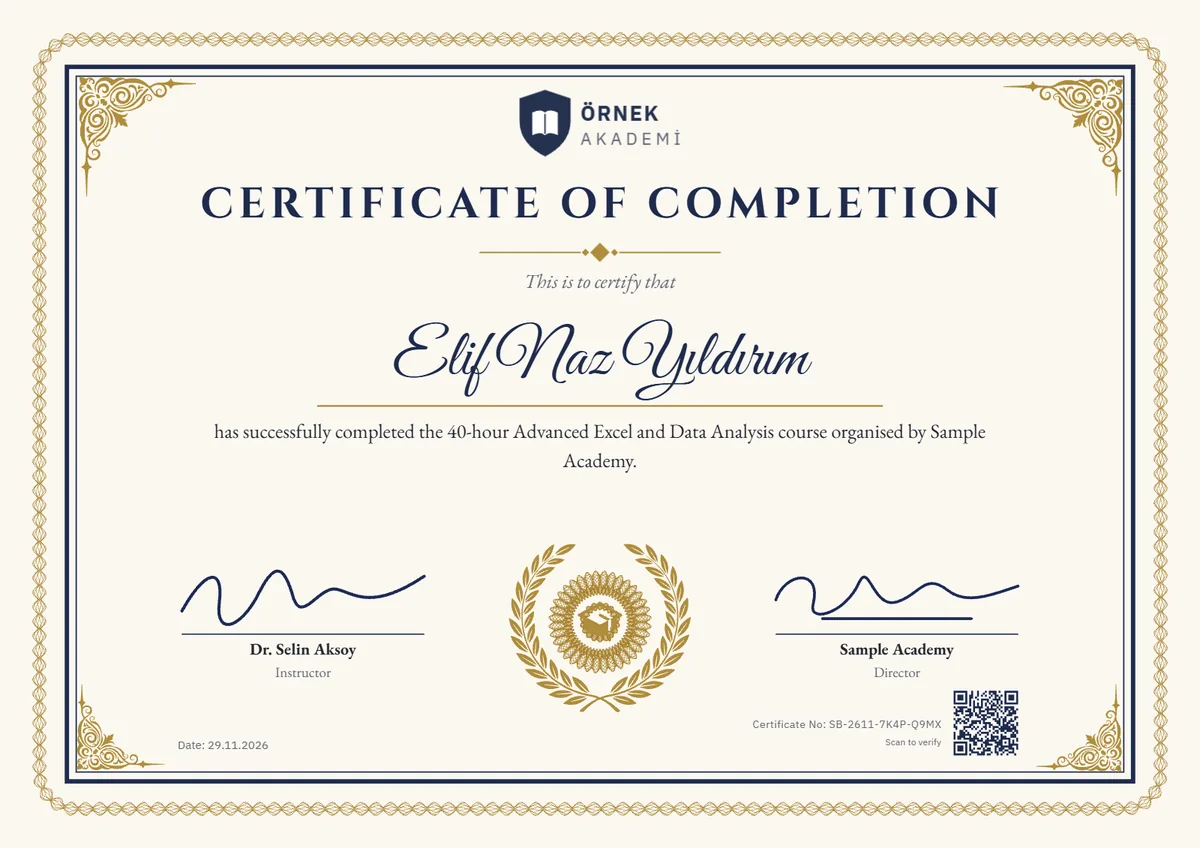 Training / Course Completion — Classic Guilloche
Course completion · A4 landscape
-
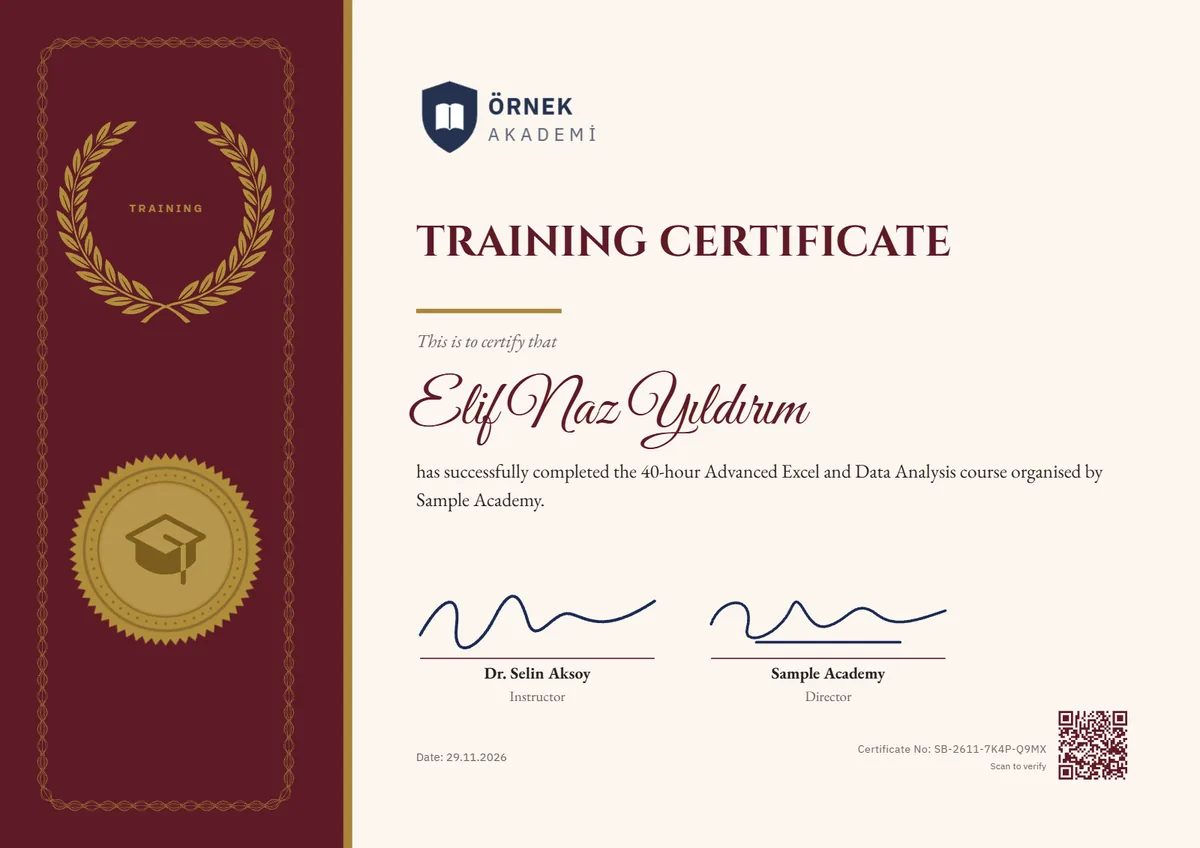 Training / Course Completion — Side Band
Course completion · A4 landscape
-
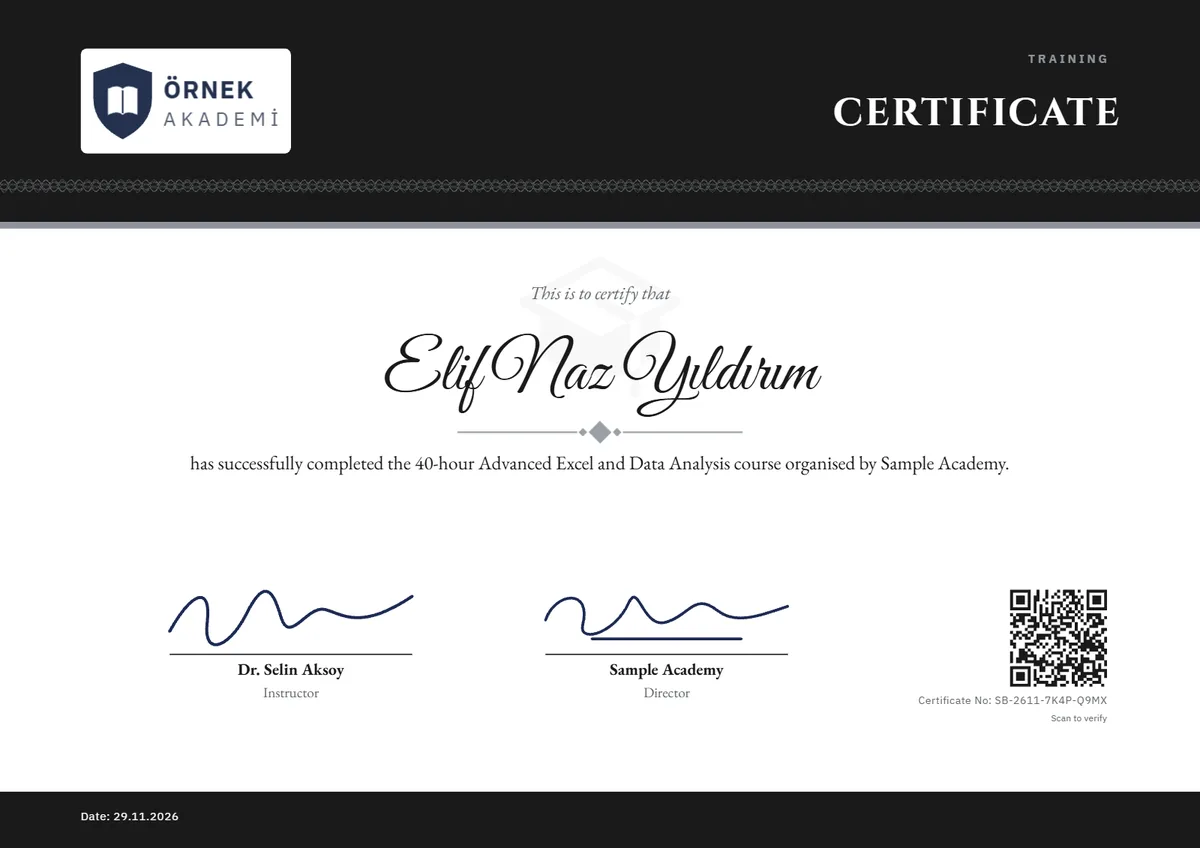 Training / Course Completion — Corporate Band
Course completion · A4 landscape
-
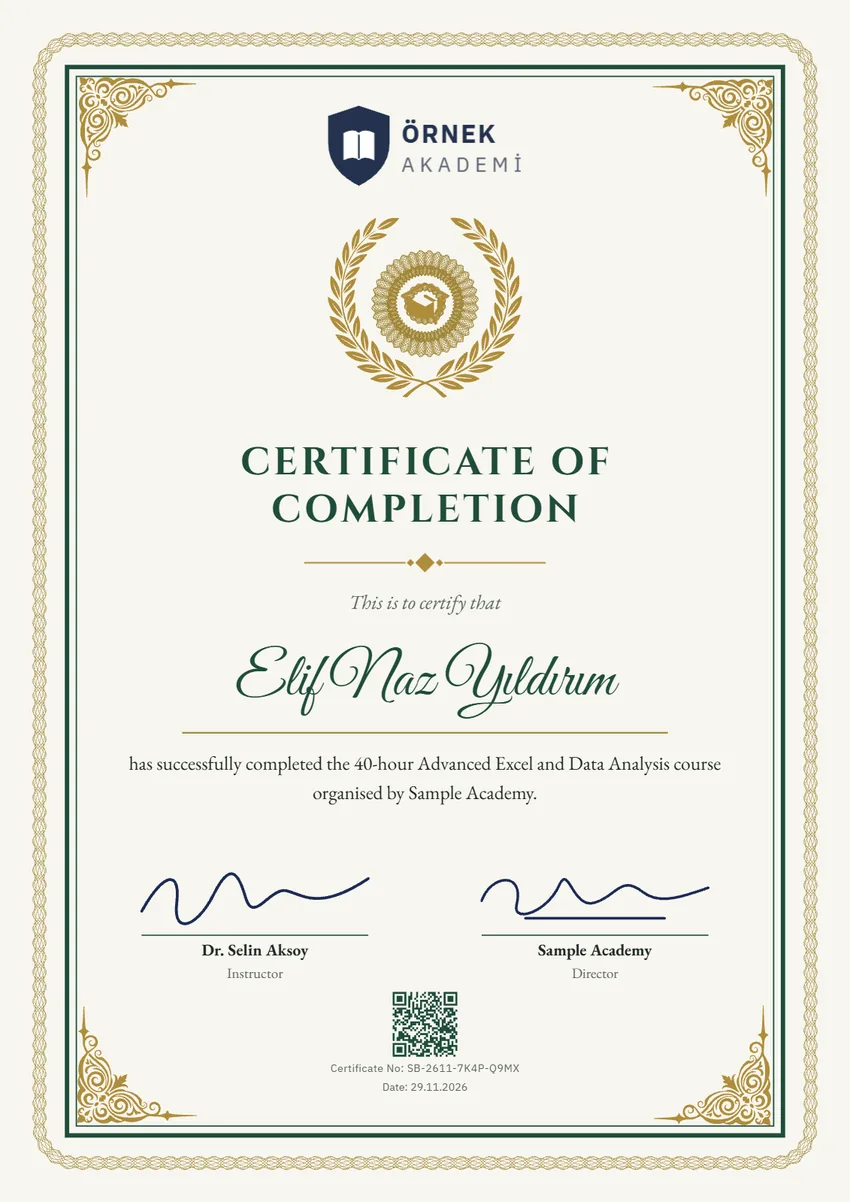 Training / Course Completion — Classic Portrait
Course completion · A4 portrait
Design your first certificate today.
Open the editor without signing up; when you save, your design moves to your institution account.