
Corporate training certificates
Manage employee training certificates in one place. Import staff lists from Excel, verify with QR codes, and give trainers their own limited access.
Health and safety, onboarding, software, leadership — companies run dozens of trainings every year, and someone has to keep track of who completed what. Sertifikabu turns that record into a certificate employees value and an archive HR can rely on.
Built for HR and L&D
- One program per training with status tracking: Draft → Registration open → Awaiting approval → Issued → Archived.
- Excel import with column mapping and an error report for bad rows.
- Team roles. Trainers see only their own programs; coordinators add and approve attendees; admins manage everything.
- Search and revoke. Find any certificate by ID; revoke with a reason.
Evidence for audits
When an auditor or client asks "did this employee complete the training?", hand them the certificate. Scanning the QR code shows it's valid and issued by your company on the verification page.
Employee data stays yours
Employee details are kept in your company's account only and never shared with other organizations. Your company is the data controller; Sertifikabu acts as a processor under a data processing agreement. You can mask names on public verification pages.
Frequently asked questions
An employee completes several trainings?
Each training is its own program and certificate. Employees see them all on their "My certificates" page.
Will certificates use our branding?
Yes. Logo, signatures and seal come from your organization profile; every color and font is editable.
Does a certificate expire when someone leaves?
No. It stays valid unless you revoke it.
Related templates
See all-
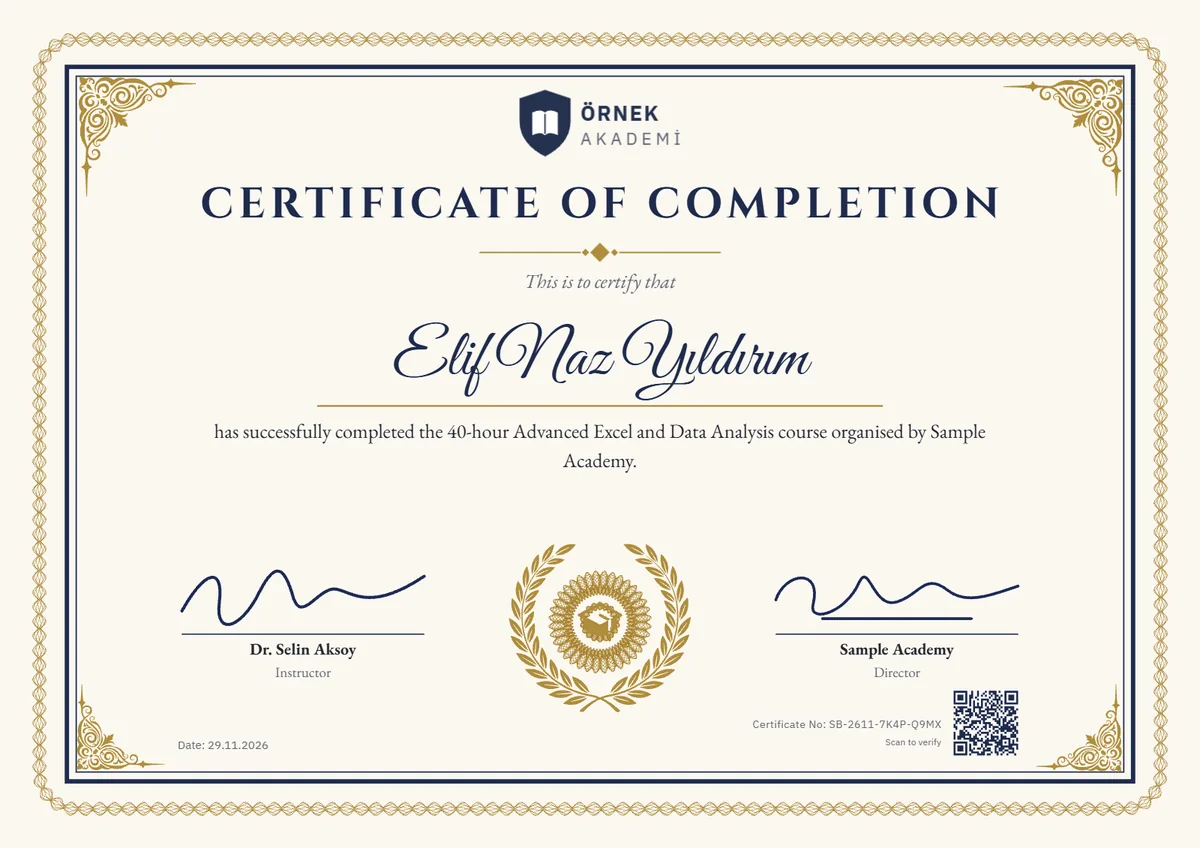 Training / Course Completion — Classic Guilloche
Course completion · A4 landscape
-
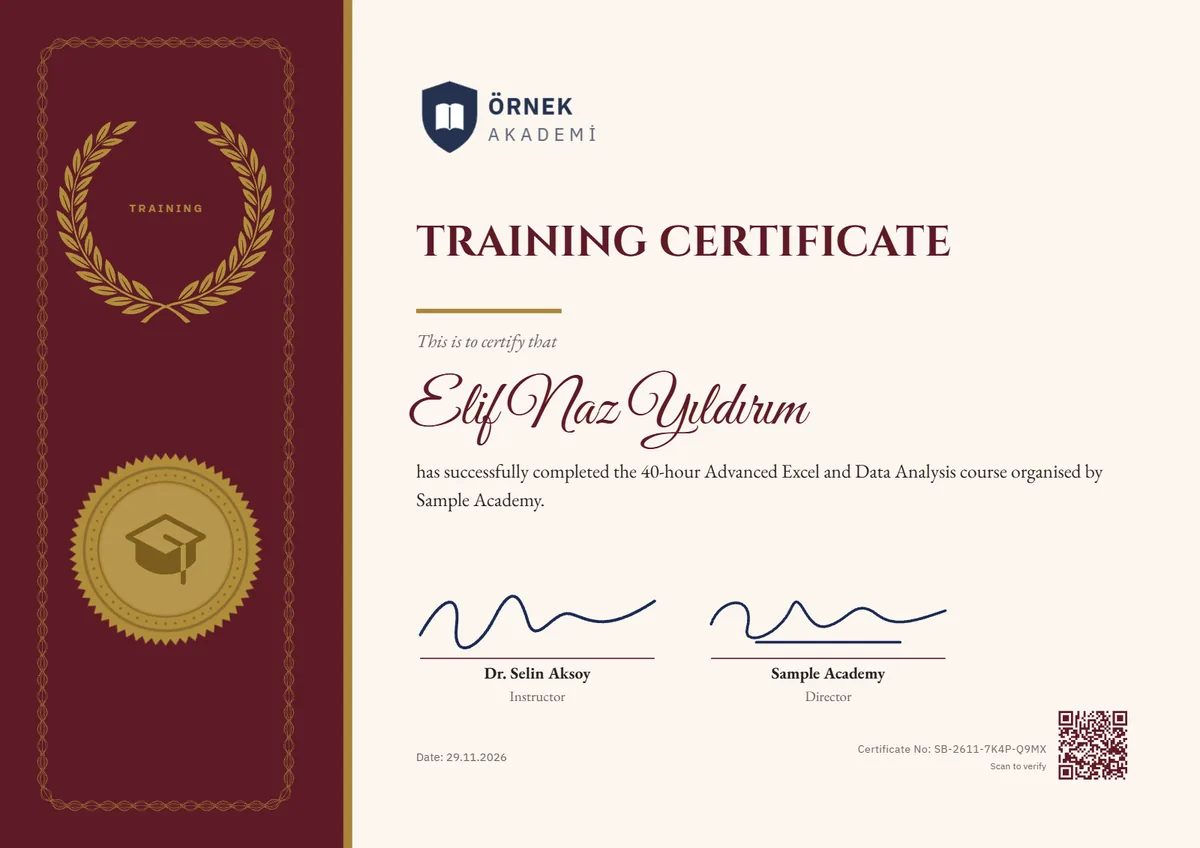 Training / Course Completion — Side Band
Course completion · A4 landscape
-
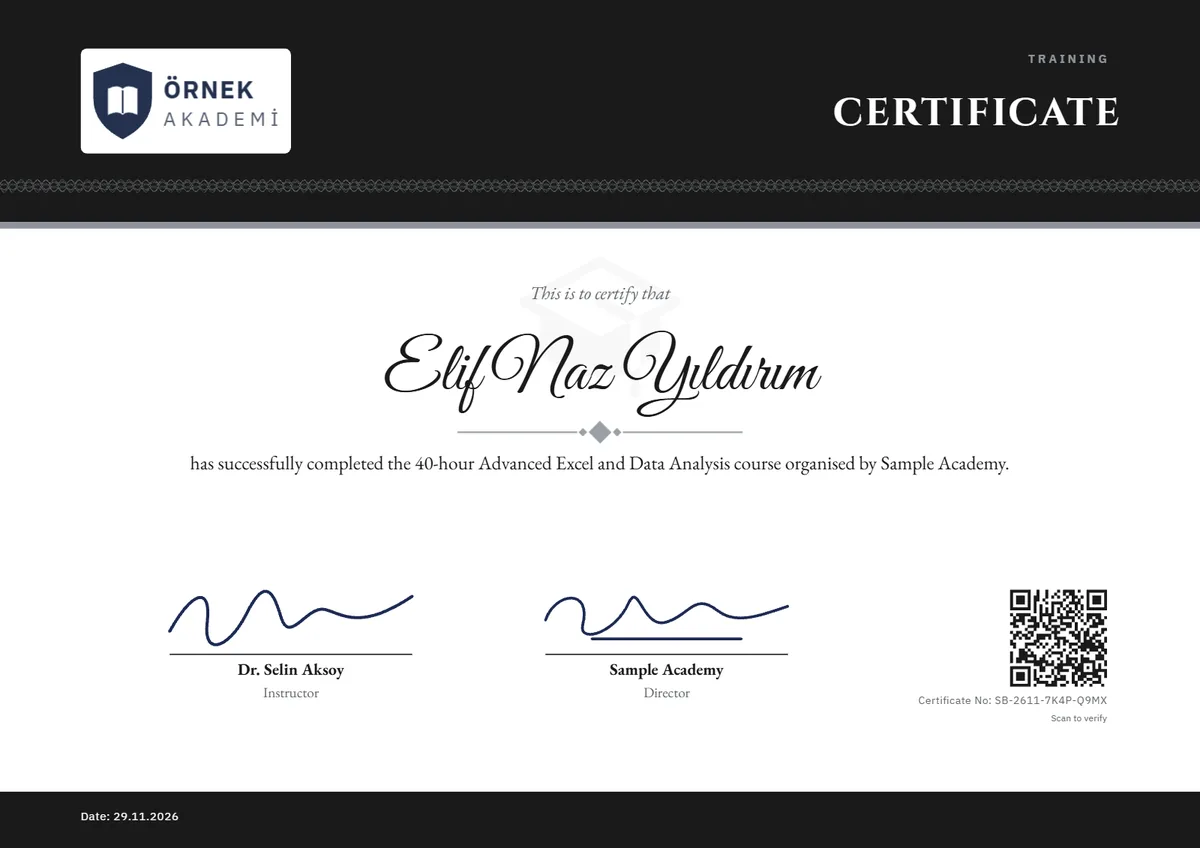 Training / Course Completion — Corporate Band
Course completion · A4 landscape
-
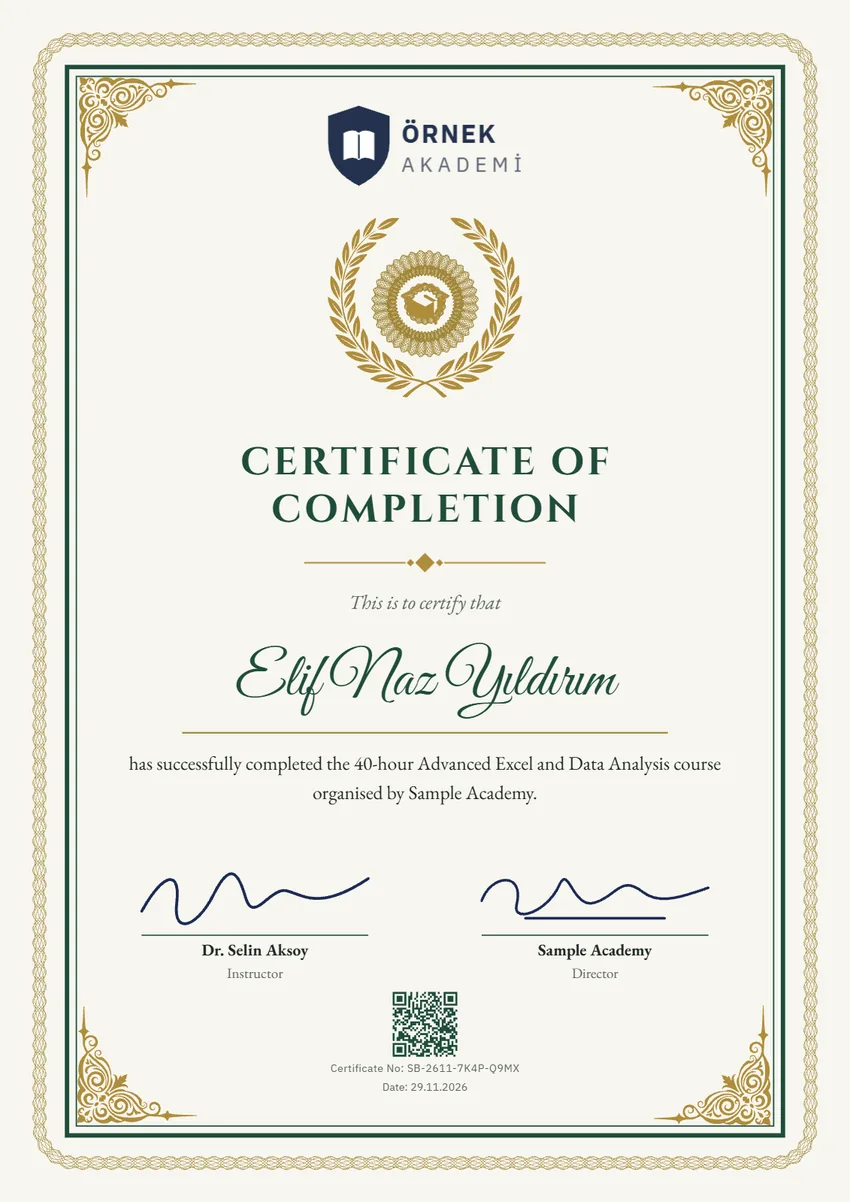 Training / Course Completion — Classic Portrait
Course completion · A4 portrait
Design your first certificate today.
Open the editor without signing up; when you save, your design moves to your institution account.